Zum Hauptinhalt springen

Übersicht des Konfigurationspanels

Das Agent-Konfigurationspanel ist in logische Abschnitte unterteilt, die verschiedene Aspekte des Verhaltens und der Fähigkeiten deines Agents steuern.

Hauptkonfigurationsabschnitte


Modelle-Tab

Wähle die KI-Technologien aus und konfiguriere diese, die deinen Agent antreiben.

Modell (LLM)

Wähle das Sprachmodell für das Reasoning. Anbieter:
  • Azure OpenAI
  • OpenAI
  • Anthropic
  • Groq
Funktionen:
  • Modellauswahl mit EU-Hosting-Badges
  • Temperaturkontrolle
Mehr über KI-Modelle erfahren →

Stimme

Wähle aus, wie dein Agent klingen soll. Anbieter:
  • ElevenLabs
  • Azure
  • Cartesia
Funktionen:
  • Stimmbibliothek mit Vorschauen
  • Stimmkonfiguration (variiert je nach Anbieter)
Mehr über Stimmauswahl erfahren →

Transkription

Konfiguriere Speech-to-Text. Anbieter:
  • Deepgram
  • Azure Speech
Funktionen:
  • Sprachauswahl und mehrsprachige Unterstützung
  • Keyword-Boosting
Mehr über Transkription erfahren →

Sound Effects

Füge Umgebungsaudio zu Gesprächen hinzu.
  • Hintergrund-Ambiente (Büro, Café, Straße)
Mehr über Ambient Sound erfahren →

Fähigkeiten-Tab

Konfiguriere, was dein Agent tun kann und wie er sich in Gesprächen verhält.

Anweisungen (System Prompt)

Definiere die Persönlichkeit, das Wissen und den Gesprächsablauf deines Agents.
  • Jinja-fähiger Editor mit Syntaxhervorhebung
  • Variableneinfügung
  • Prompt-Vorlagen und Schreibtipps
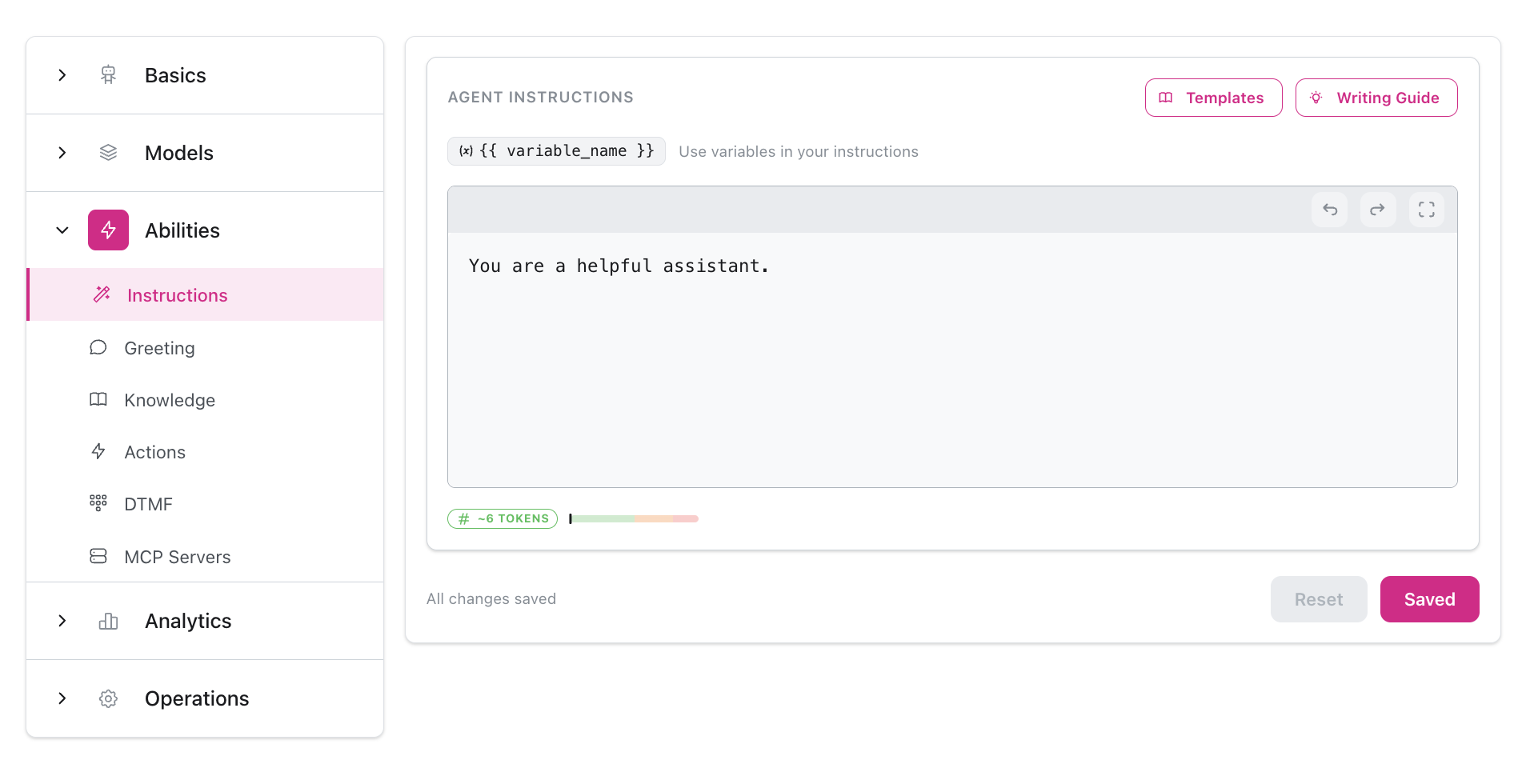
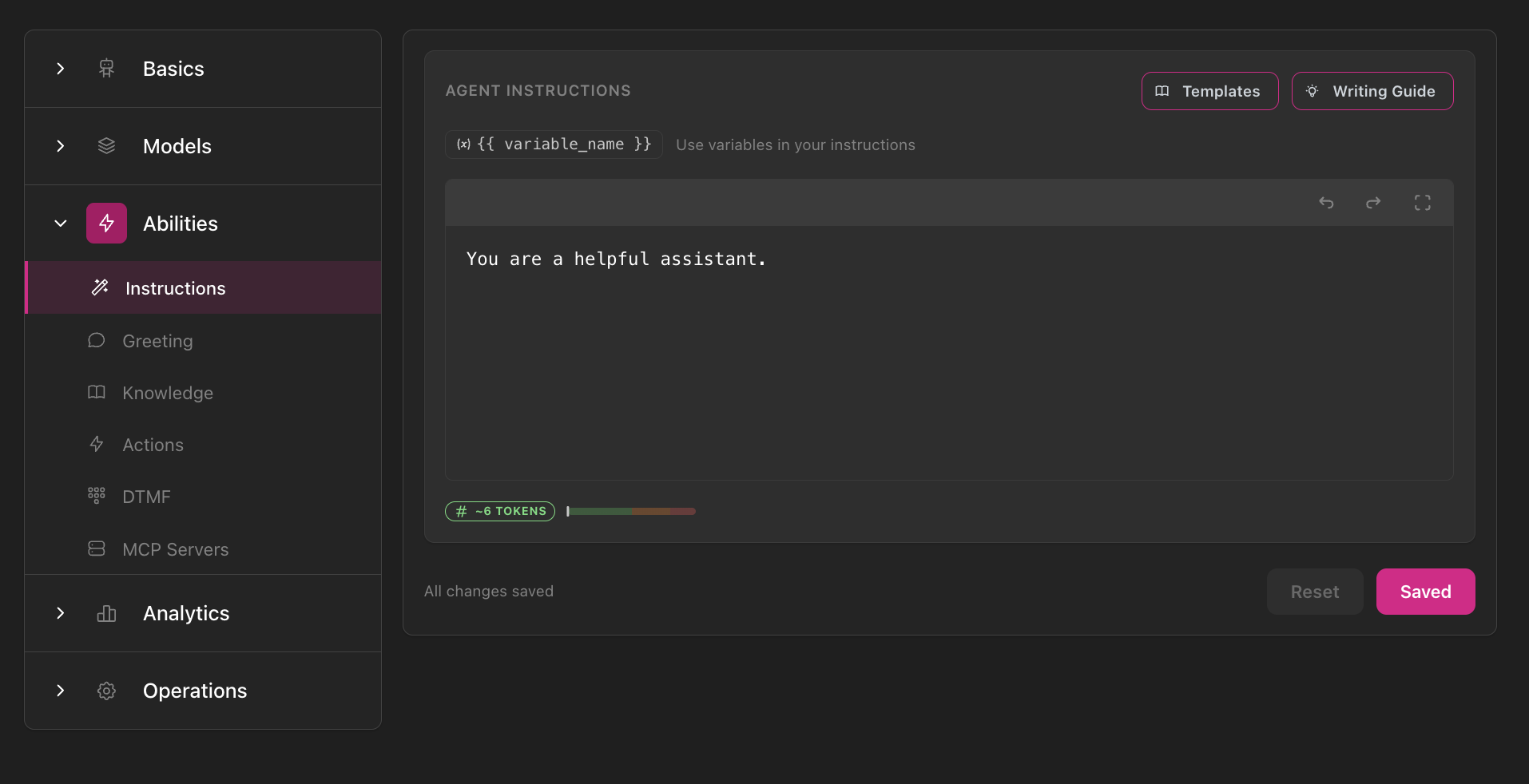
Instructions editor in Abilities section showing navigation sidebar, text editor with Templates and Writing Guide buttons, variable helper, token counter, and save controls
Mehr über Anweisungen erfahren →

Begrüßung

Kontrolliere, wie Gespräche beginnen.
  • Benutzer initiiert, KI-generiert oder feste Begrüßung
  • Eingehende vs. ausgehende Begrüßungs-Überschreibungen
  • Unterbrechbarkeit und Verzögerungseinstellungen
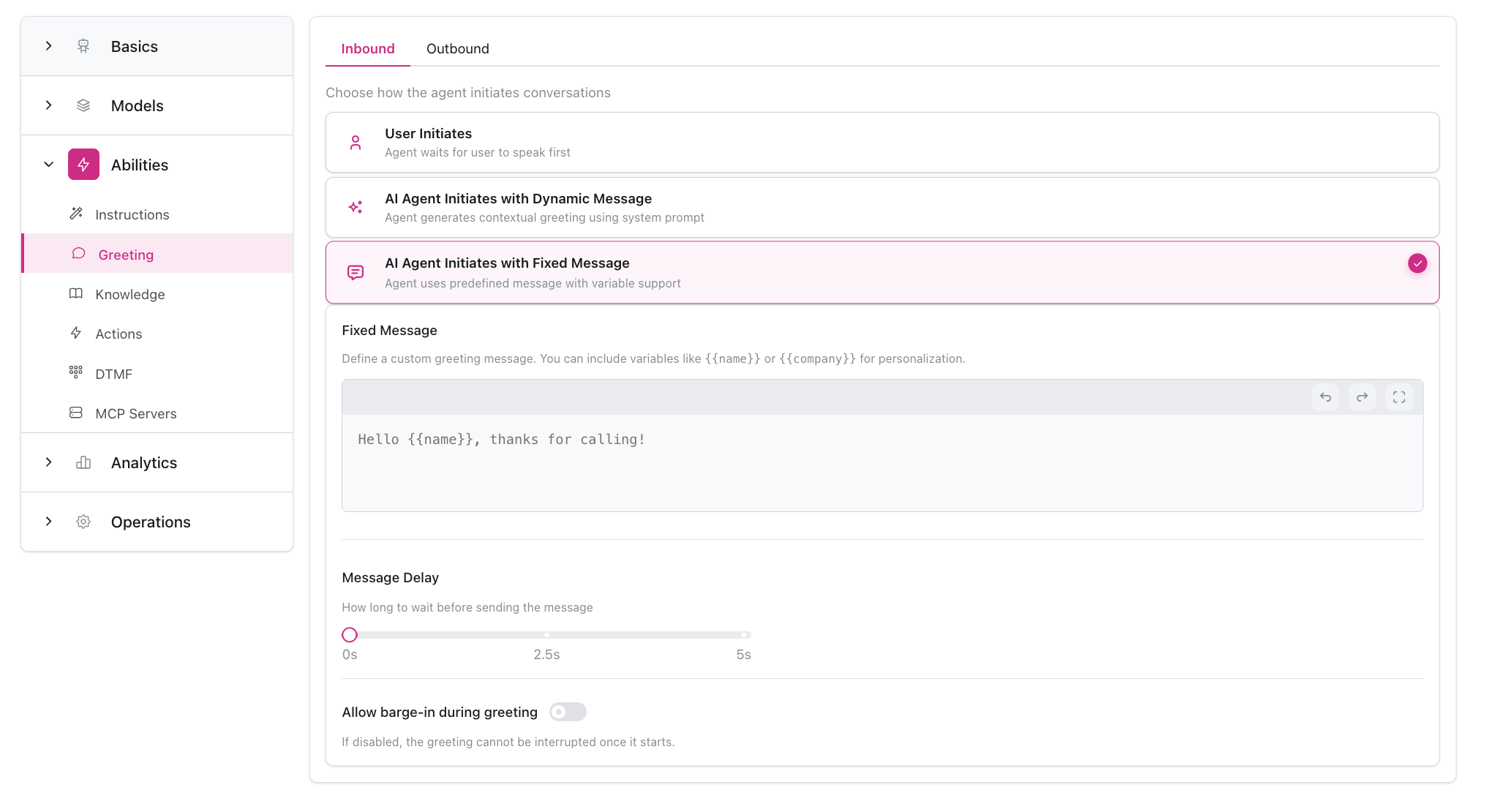
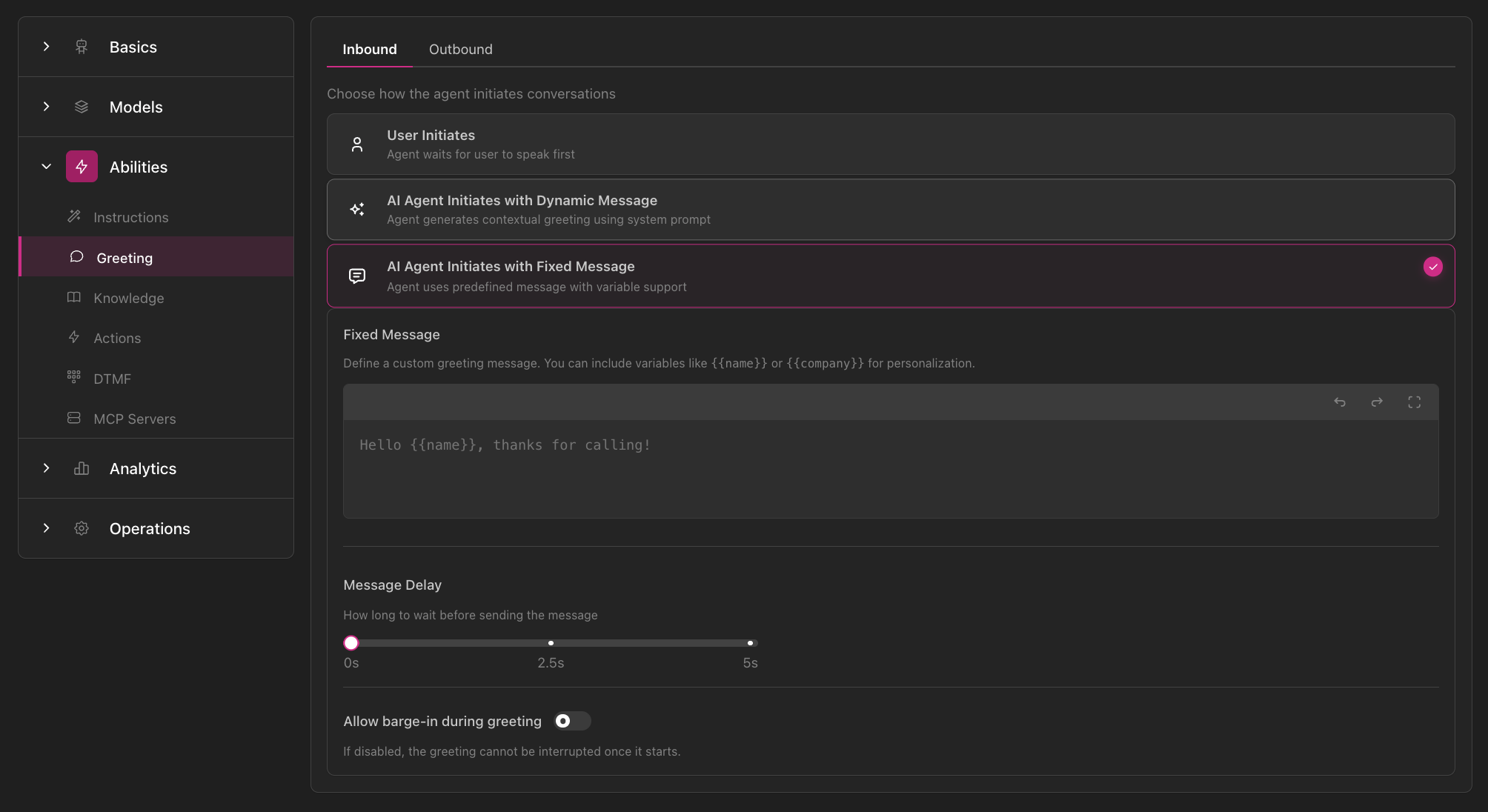
Greeting configuration showing Inbound/Outbound tabs, three greeting options (User Initiates, AI Agent with Dynamic Message, AI Agent with Fixed Message), message editor, delay slider, and barge-in toggle
Mehr über Begrüßungen erfahren →

Wissenszugriff

Verbinde Wissensdatenbanken, Sammlungen und Dokumente.
  • Mehrere Wissensquellen anhängen
  • Context- oder RAG-Modus pro Quelle wählen
  • Unterstützung für mehrere Dateitypen und Website-Scraping
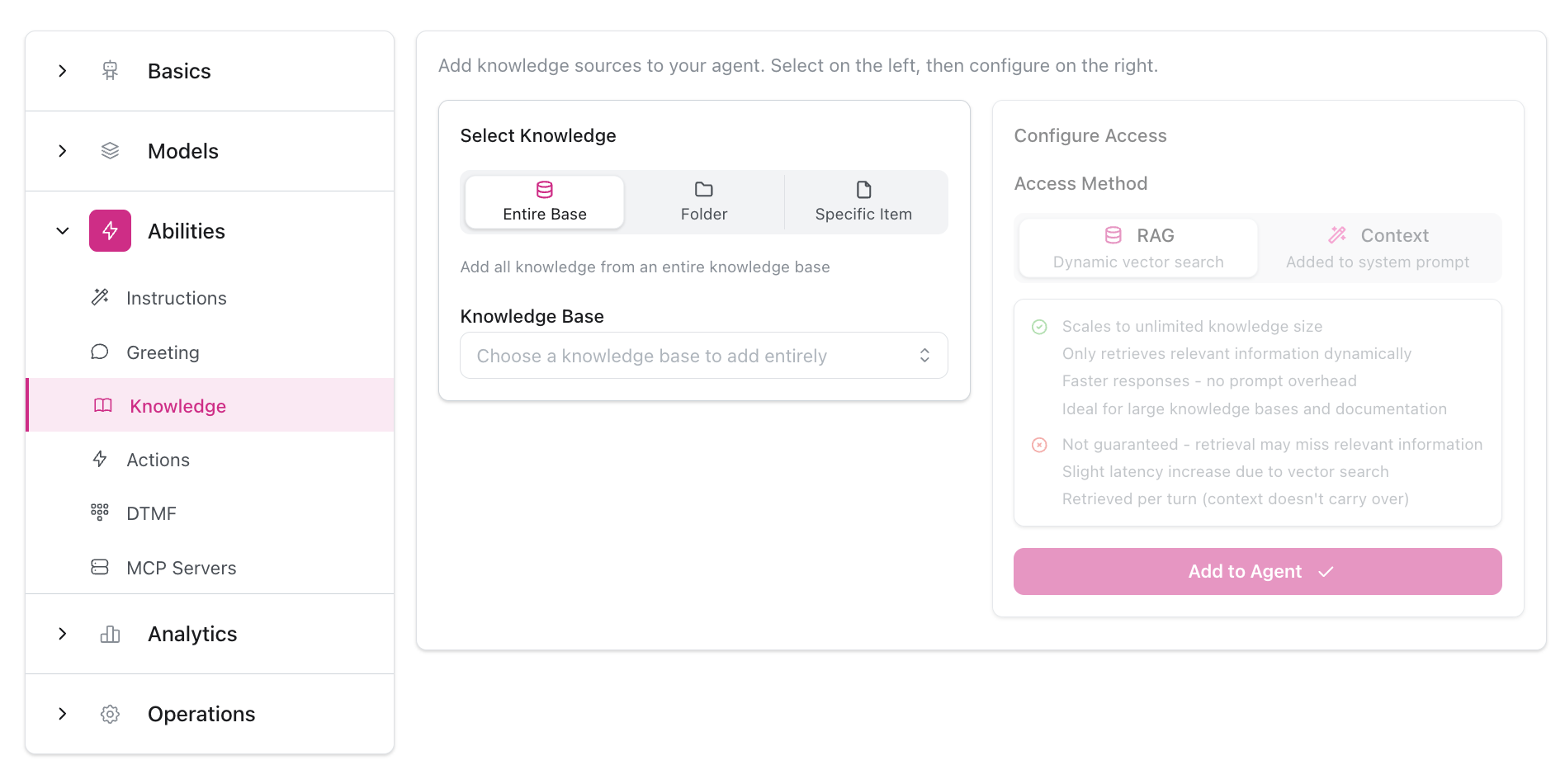
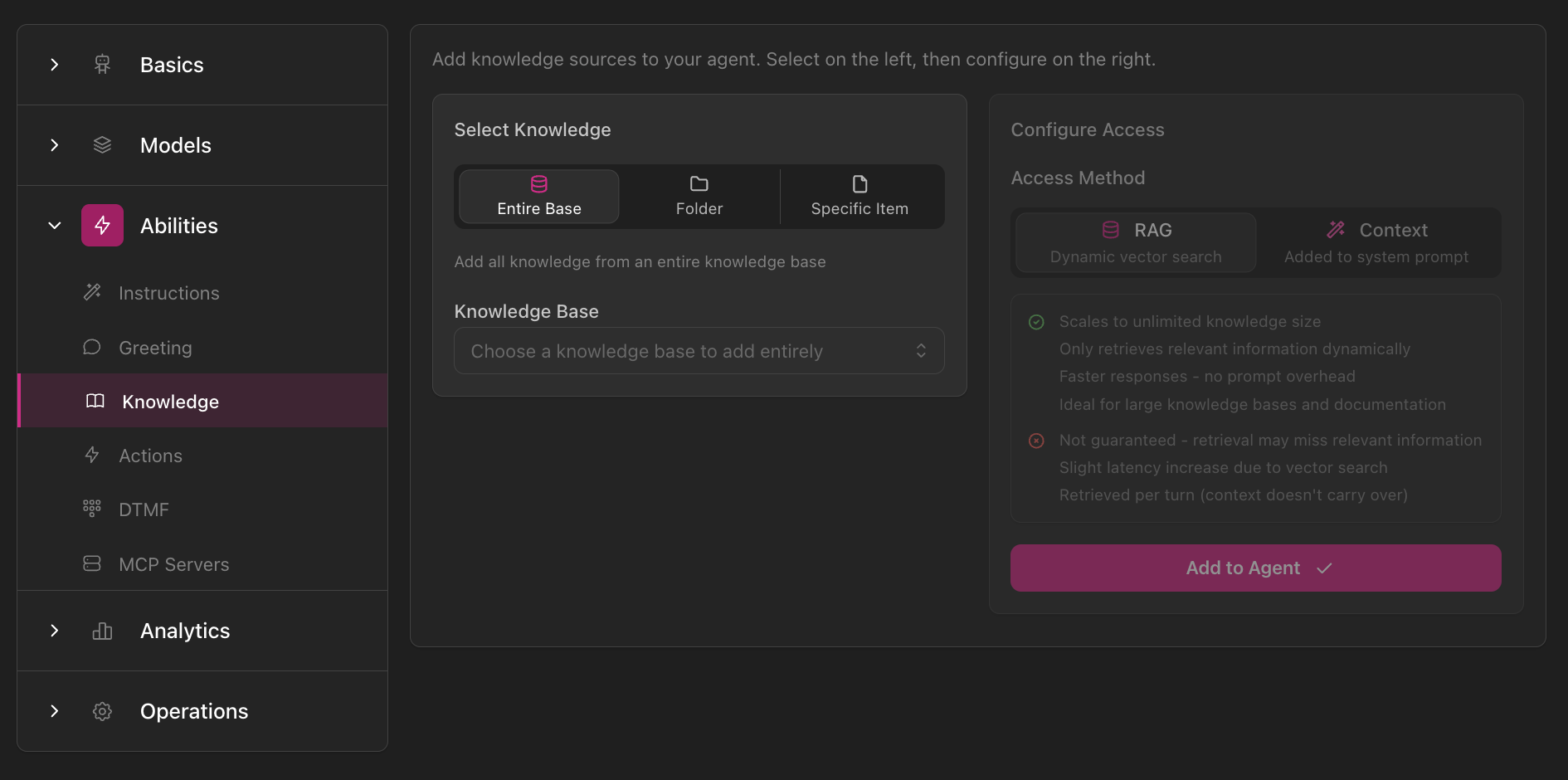
Knowledge Access configuration showing Select Knowledge options (Entire Base, Folder, Specific Item), Knowledge Base dropdown, and Configure Access panel with RAG vs Context mode selection and detailed explanations
Mehr über Wissen erfahren →

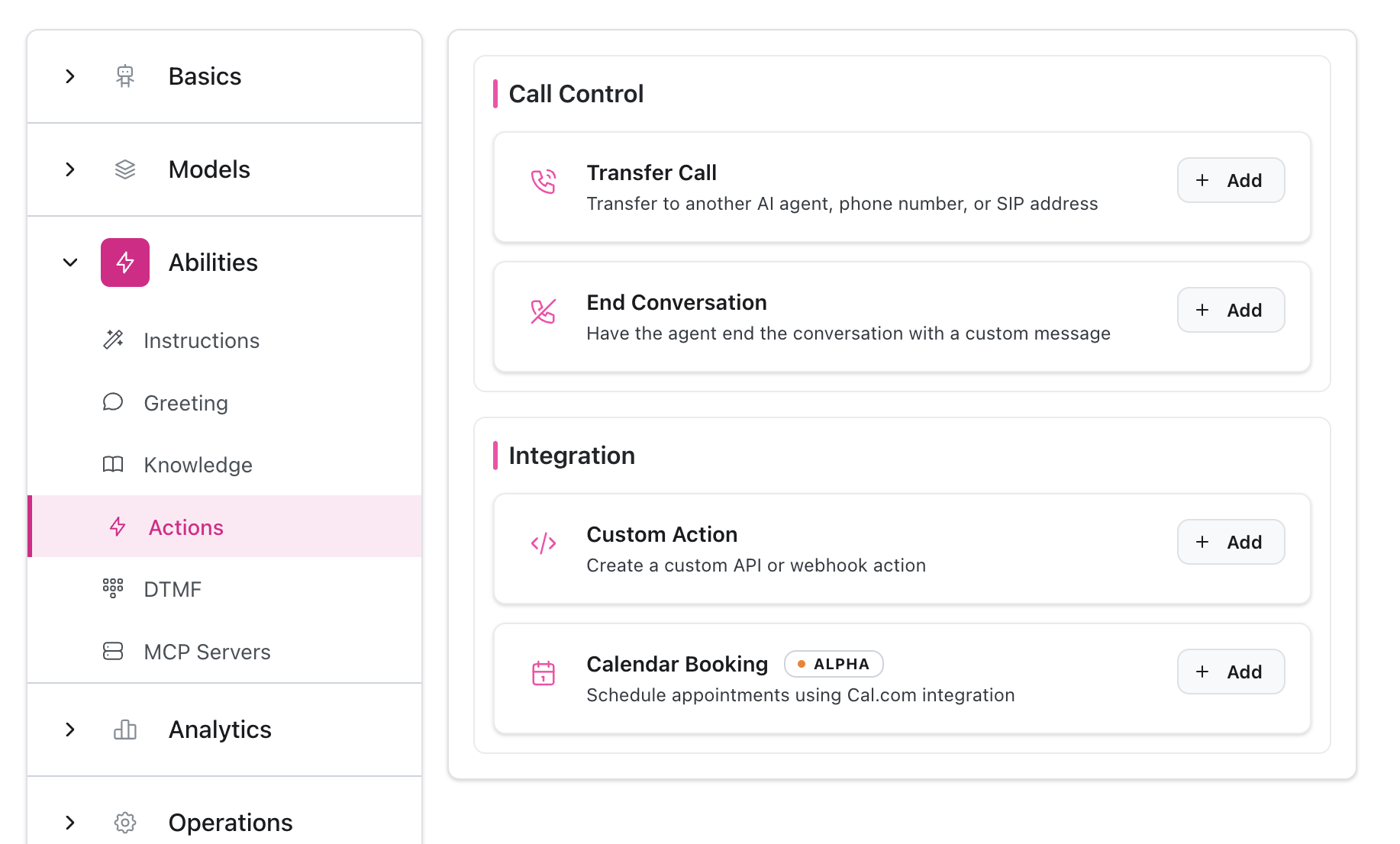
Aktionen & Integrationen

Ermögliche deinem Agent, echte Aktionen durchzuführen.
  • Anrufe weiterleiten (Agent, Telefon, SIP)
  • Gespräche beenden
  • Smart Booking (Cal.com)
  • Benutzerdefinierte API-Aktionen
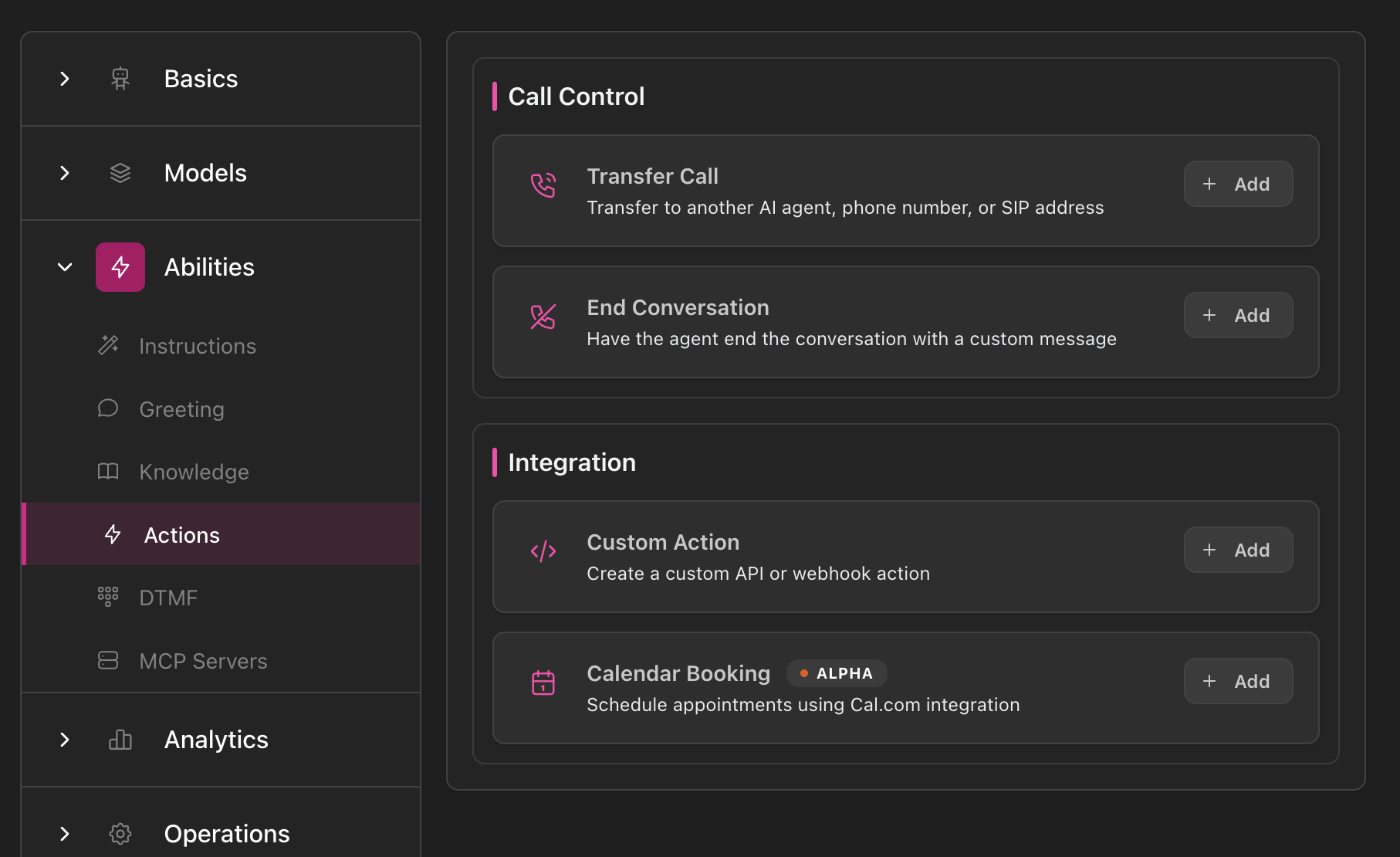
Actions overview page showing Call Control section (Transfer Call, End Conversation) and Integration section (Custom Action, Calendar Booking) with Add buttons for each action type
Mehr über Aktionen erfahren →

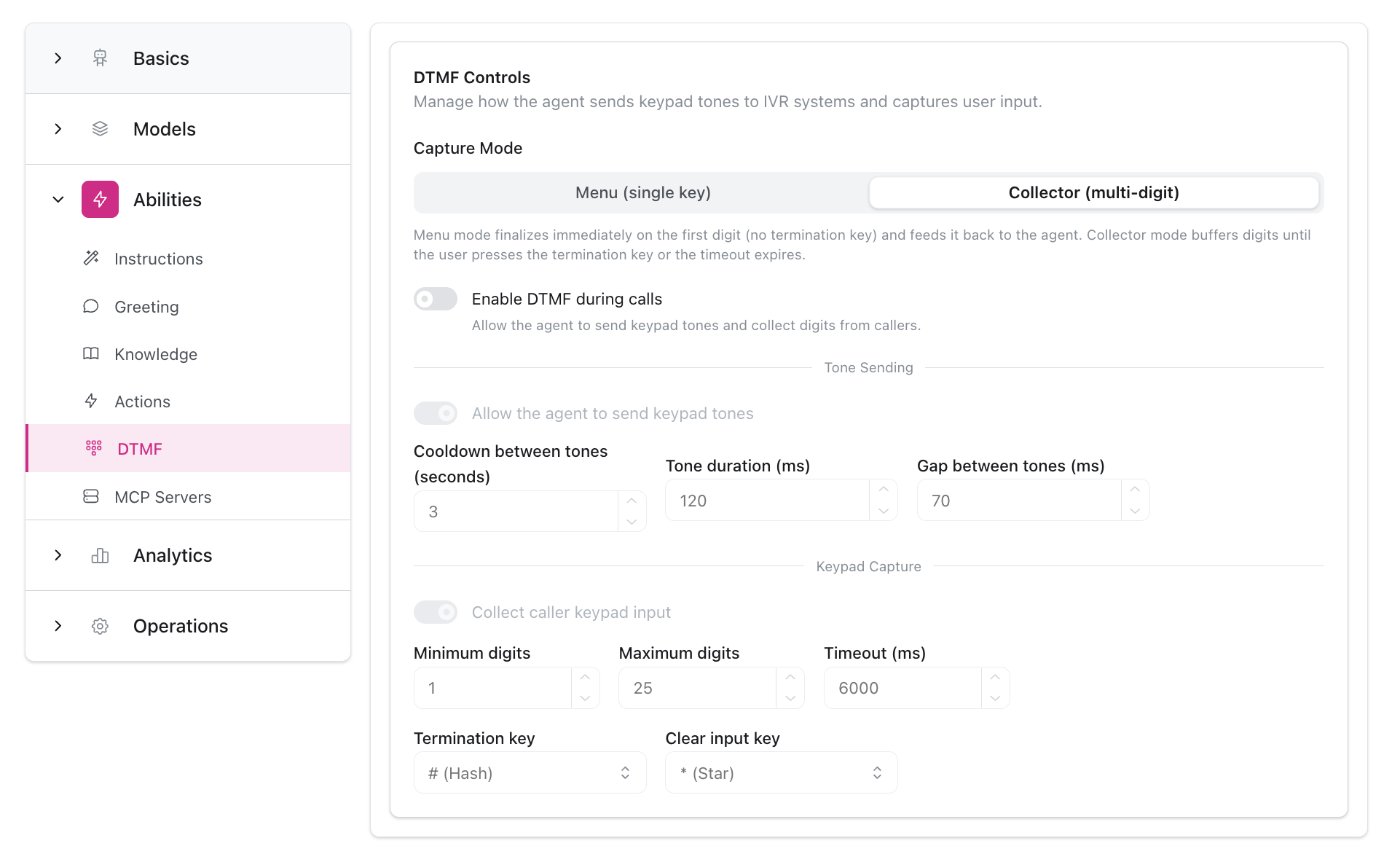
DTMF-Steuerung

Konfiguriere die Verarbeitung von Tastatureingaben.
  • Menümodus (einzelne Taste) oder Collector-Modus (mehrstellig)
  • Tonsendeeinstellung
  • Erfassungs- und Sendeeinstellungen
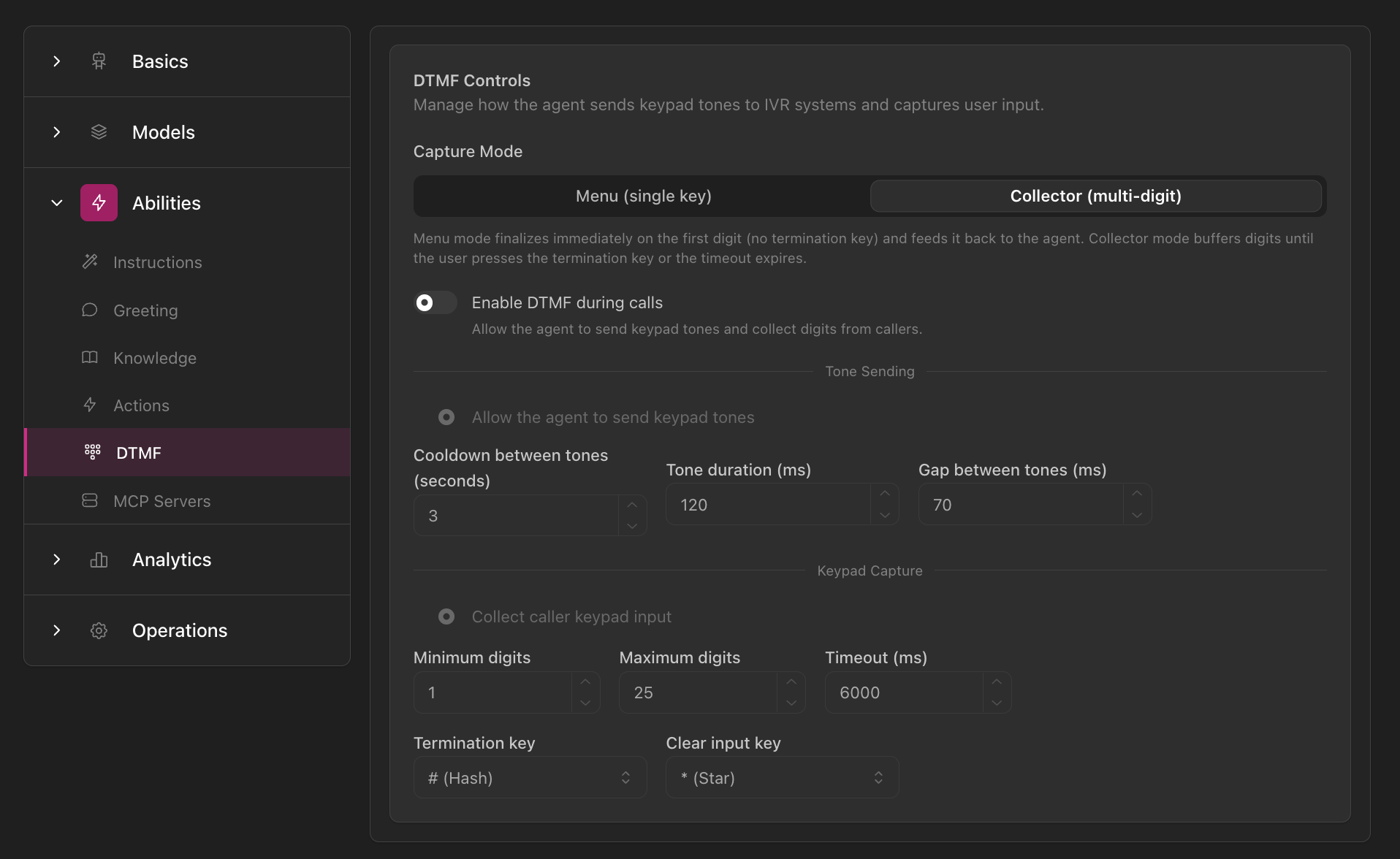
DTMF Controls configuration showing Capture Mode options (Menu vs Collector), Enable DTMF toggle, Collector parameters (cooldown, timeout, gap), Send tone settings with digit limits and timeout, and key configuration options
Mehr über DTMF erfahren →

Betrieb-Tab

Verfeinere das operative Verhalten und die Gesprächsmechanik.

Inaktivität & Timeout

Behandle Stille und inaktive Kunden.
  • Check-in/Erinnerungskadenz
  • Benutzerdefinierte Timeout-Nachrichten
  • Inaktivitätsaktionen
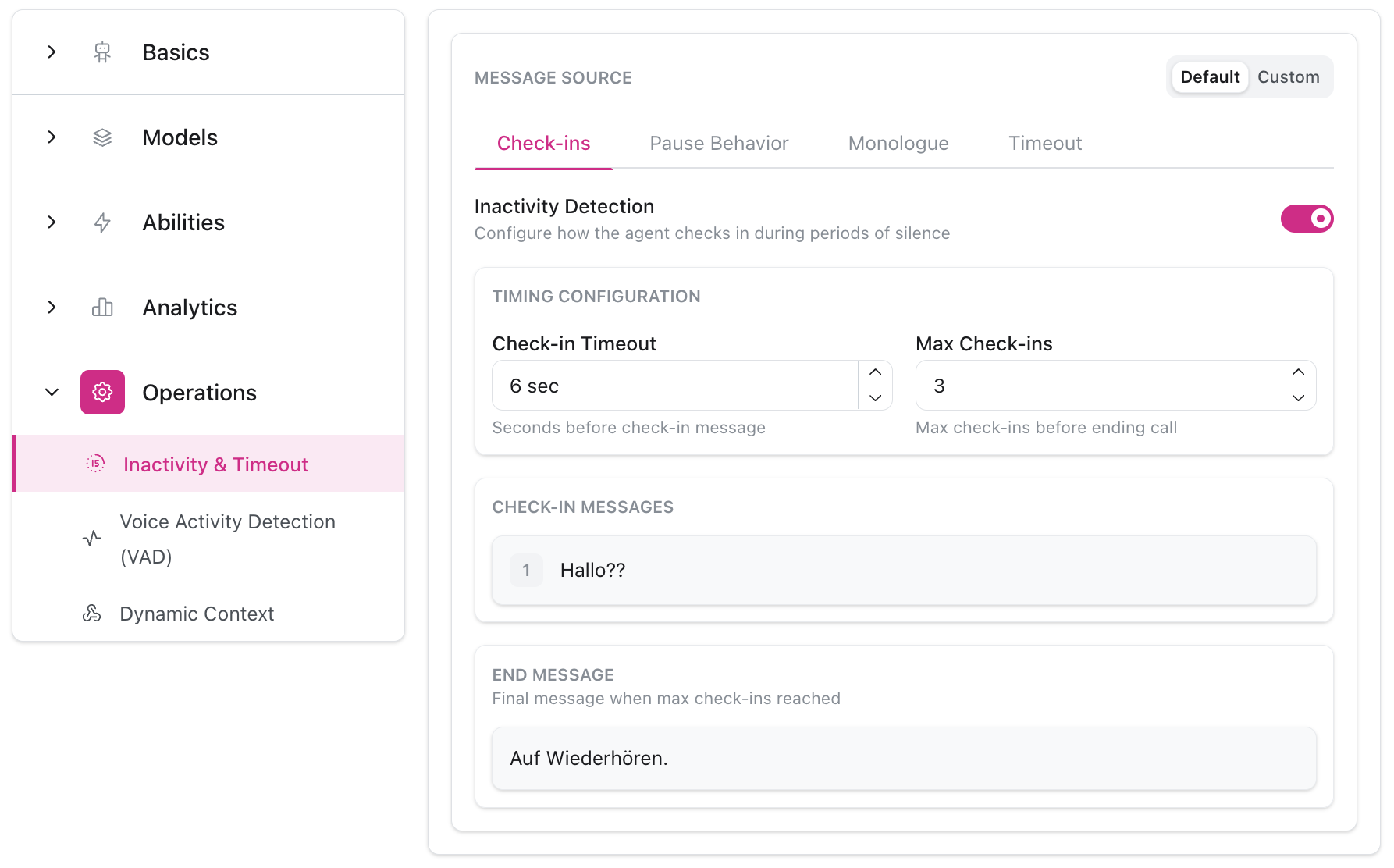
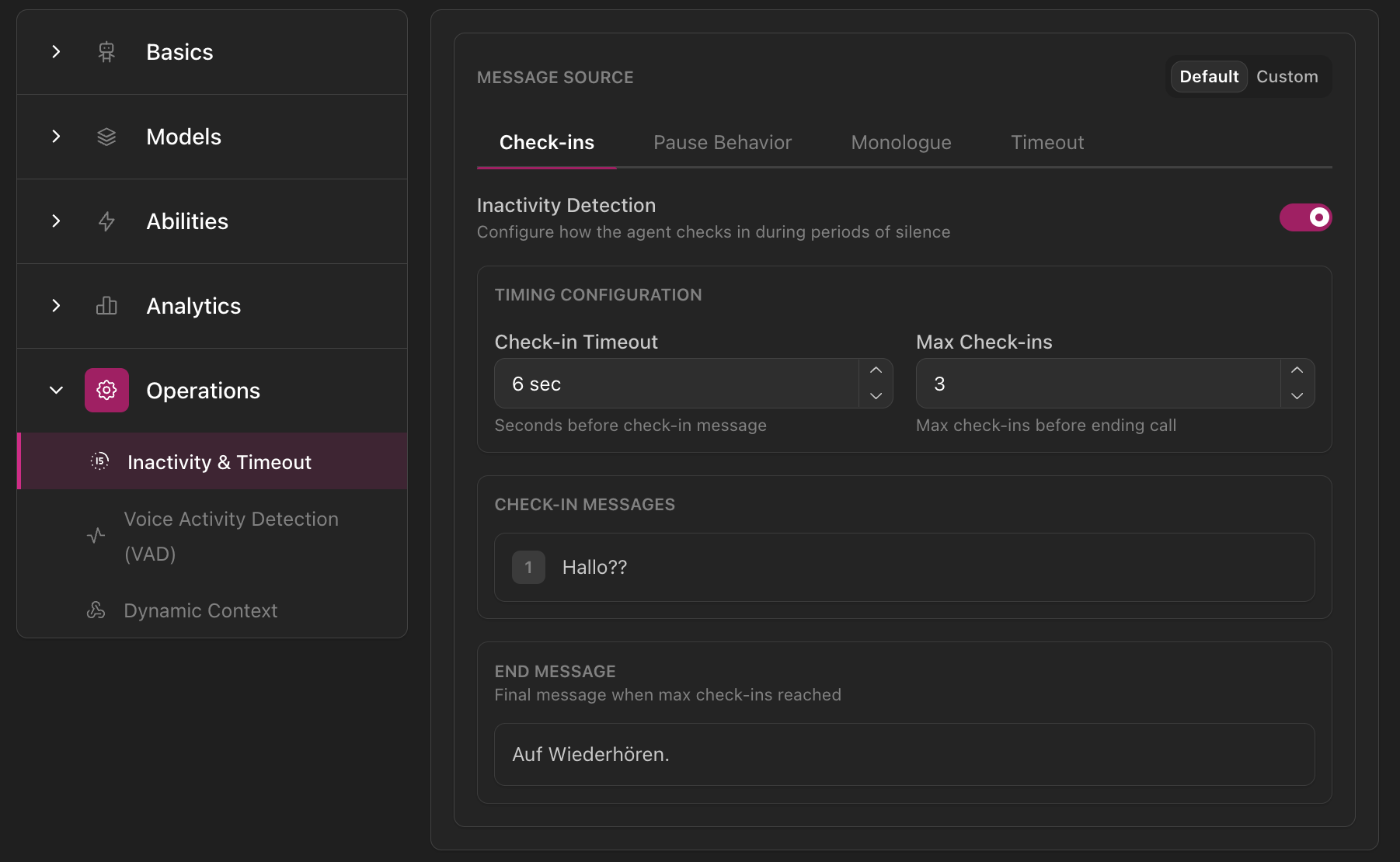
Inactivity & Timeout configuration showing MESSAGE SOURCE tabs (Check-ins, Pause Behavior, Monologue, Timeout), Inactivity Detection toggle, timing configuration with check-in timeout and max check-ins, check-in messages, and end message settings
Mehr über Inaktivität erfahren →

Sprachaktivitätserkennung (VAD)

Kontrolliere, wann dein Agent spricht und zuhört.
  • Voreingestellte Modi (Low, Medium, High) oder Custom
  • Unterbrechungsbehandlung
  • Endpointing-Verzögerungskonfiguration
  • Smart-Endpointing-Umschalter
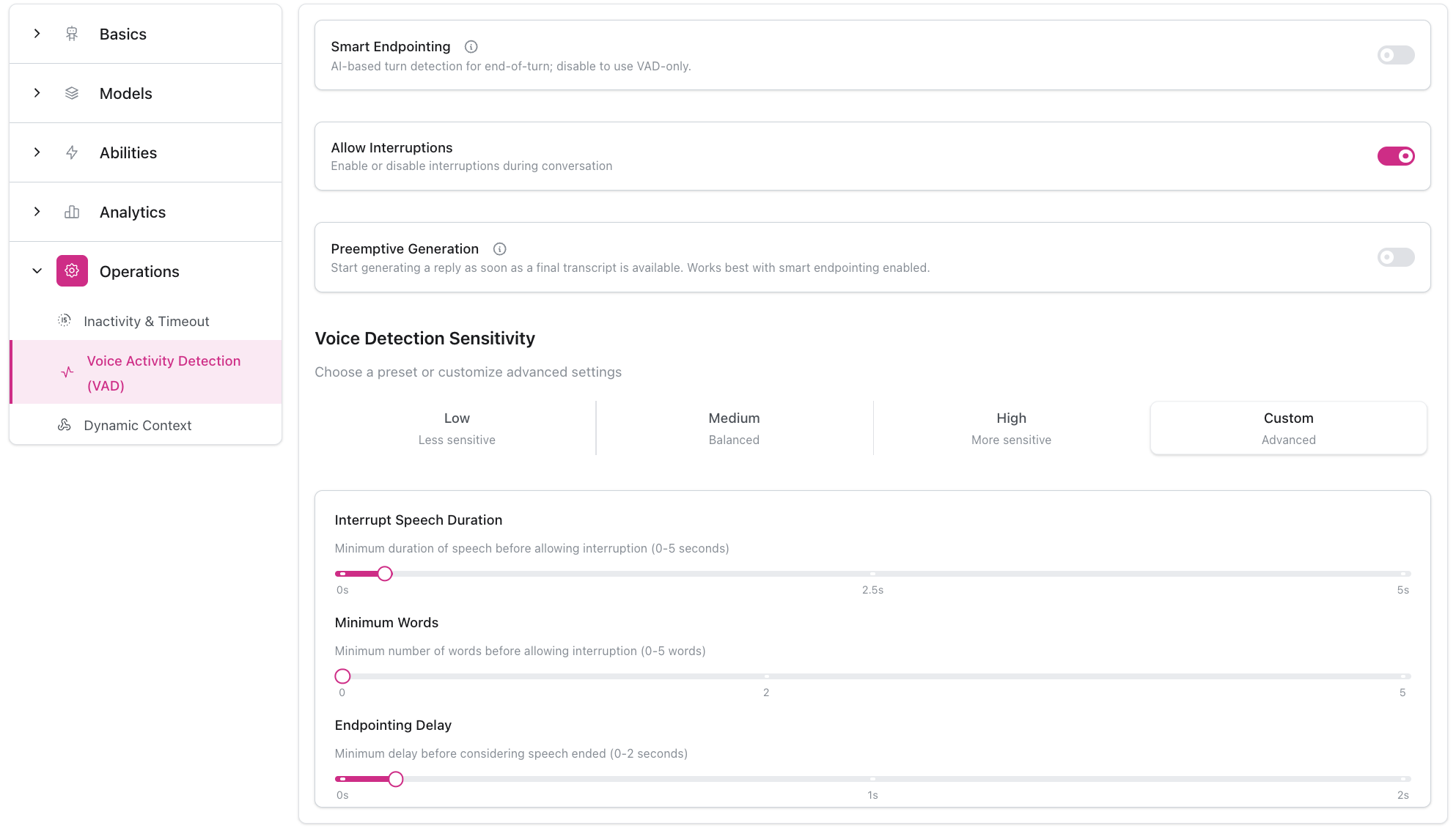
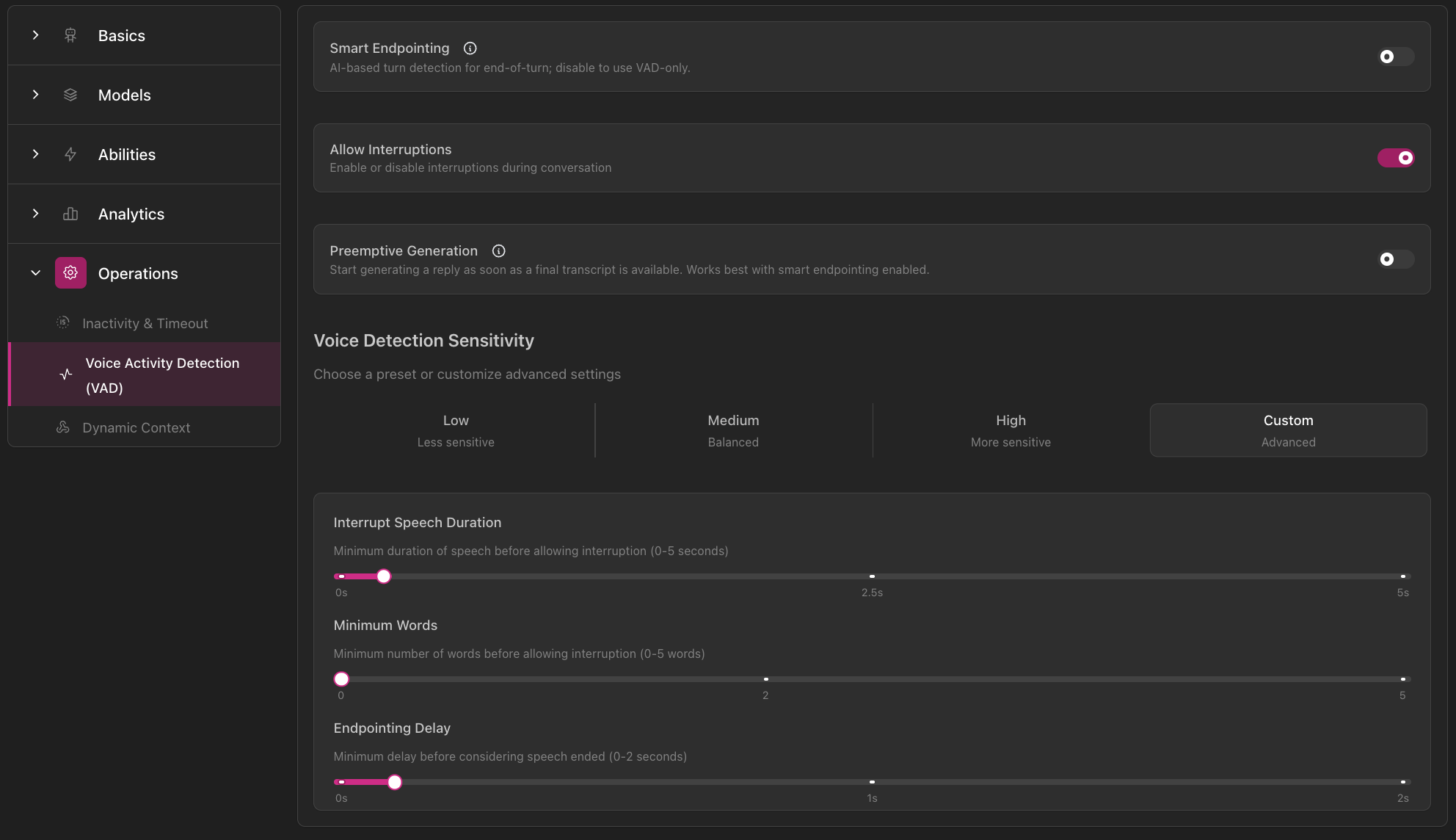
Voice Activity Detection configuration showing Smart Endpointing toggle, Allow Interruptions toggle, Preemptive Generation option, Voice Detection Sensitivity presets (Low, Medium, High, Custom), and advanced settings with sliders for interrupt speech duration, minimum words, and endpointing delay
Mehr über VAD erfahren →

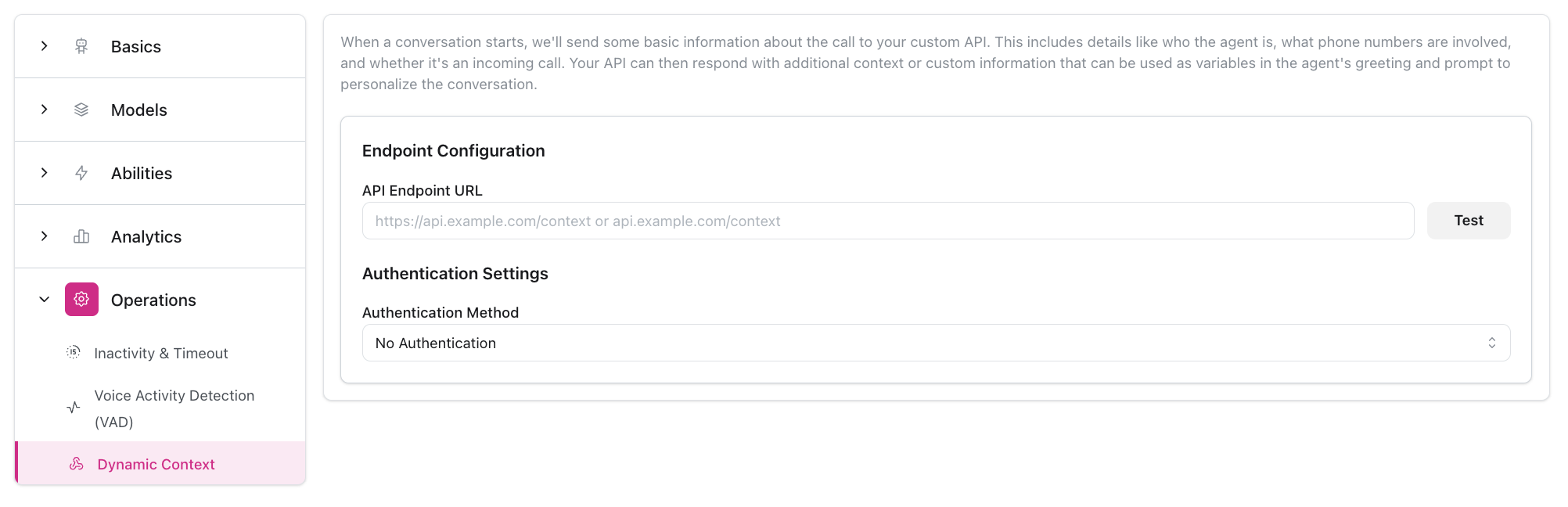
Dynamischer Kontext

Rufe personalisierte Daten vor Gesprächen ab.
  • Context-Endpunkt-Konfiguration
  • Authentifizierungs-Setup
  • Test-Request-Funktionalität
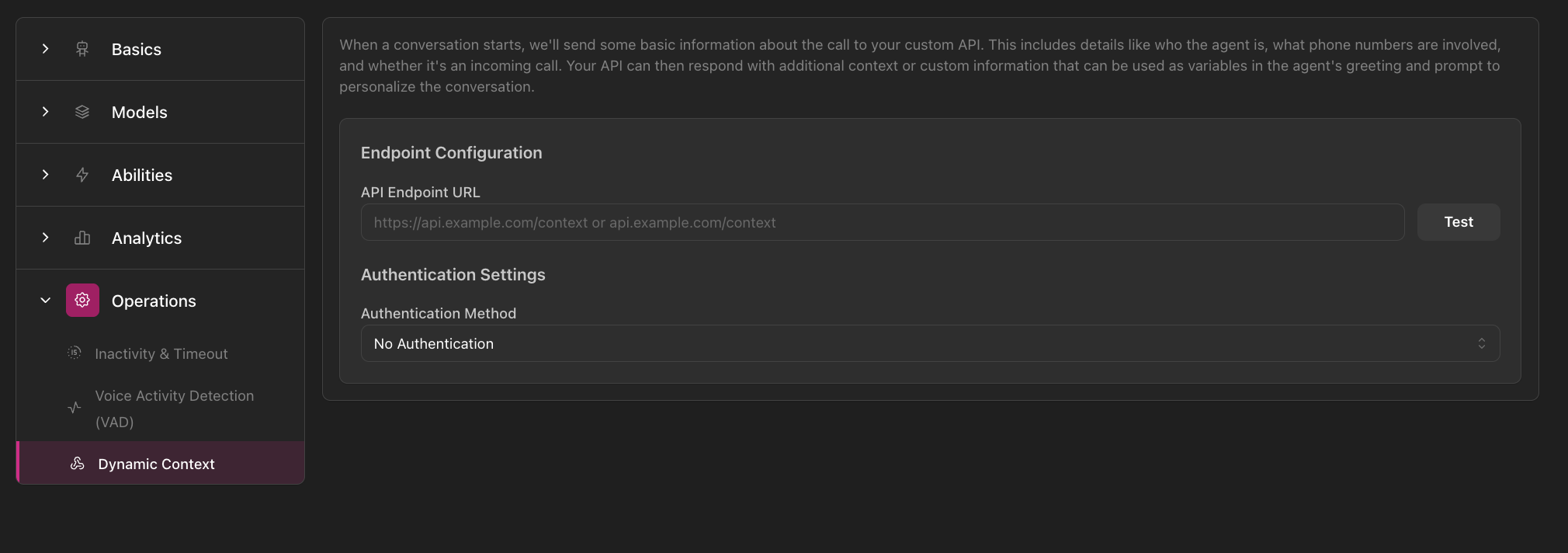
Dynamic Context configuration showing navigation sidebar with Operations section expanded, Endpoint Configuration with API Endpoint URL field and Test button, and Authentication Settings with Authentication Method dropdown
Mehr über dynamischen Kontext erfahren →

Analytik-Tab

Konfiguriere Gesprächsmessung und Erfolgsverfolgung.

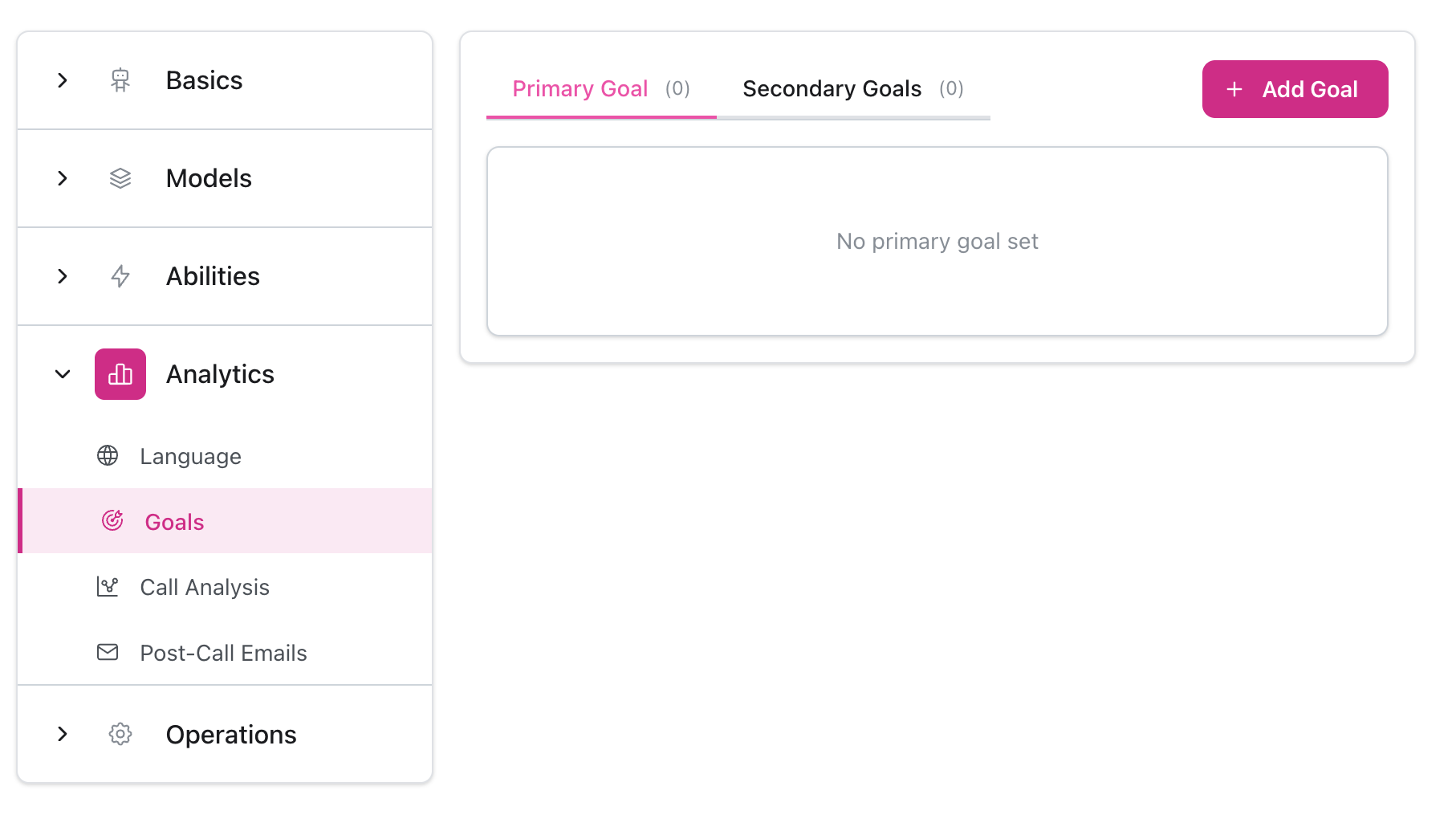
Ziele

Definiere, wie Erfolg aussieht.
  • Primäre und sekundäre Ziele
  • Zieltypen und Kriterien
  • Leistungsverfolgung
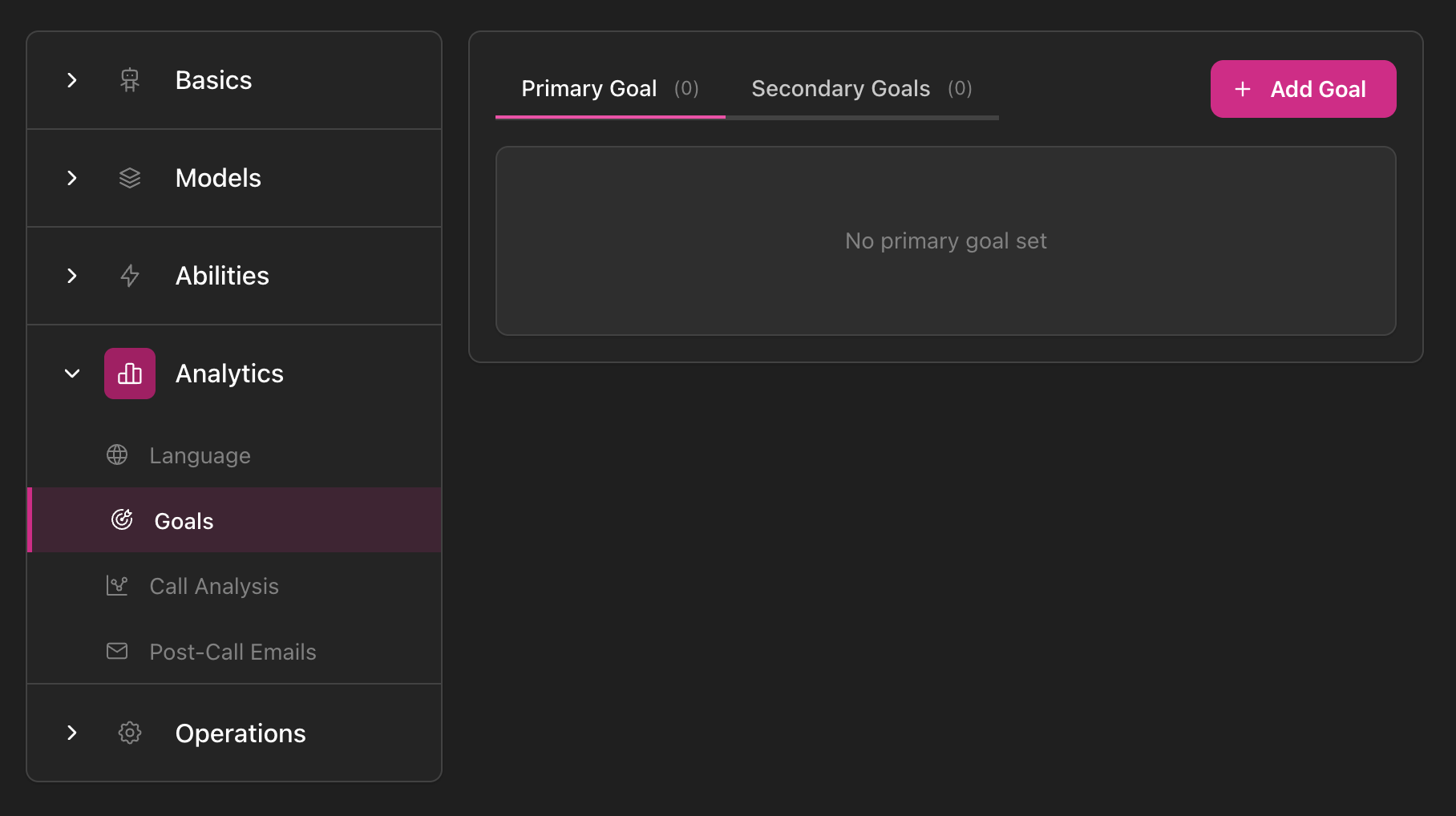
Goals configuration showing navigation sidebar with Analytics section expanded and Goals selected, Primary Goal and Secondary Goals tabs with Add Goal button, and empty state message 'No primary goal set'
Mehr über Ziele erfahren →

Nach-Anruf-Analyse

Konfiguriere automatisierte Gesprächsanalyse.
  • Strukturierte Informationen extrahieren
  • Analysekriterien
  • Bewertungssysteme
  • Leistungsmetriken
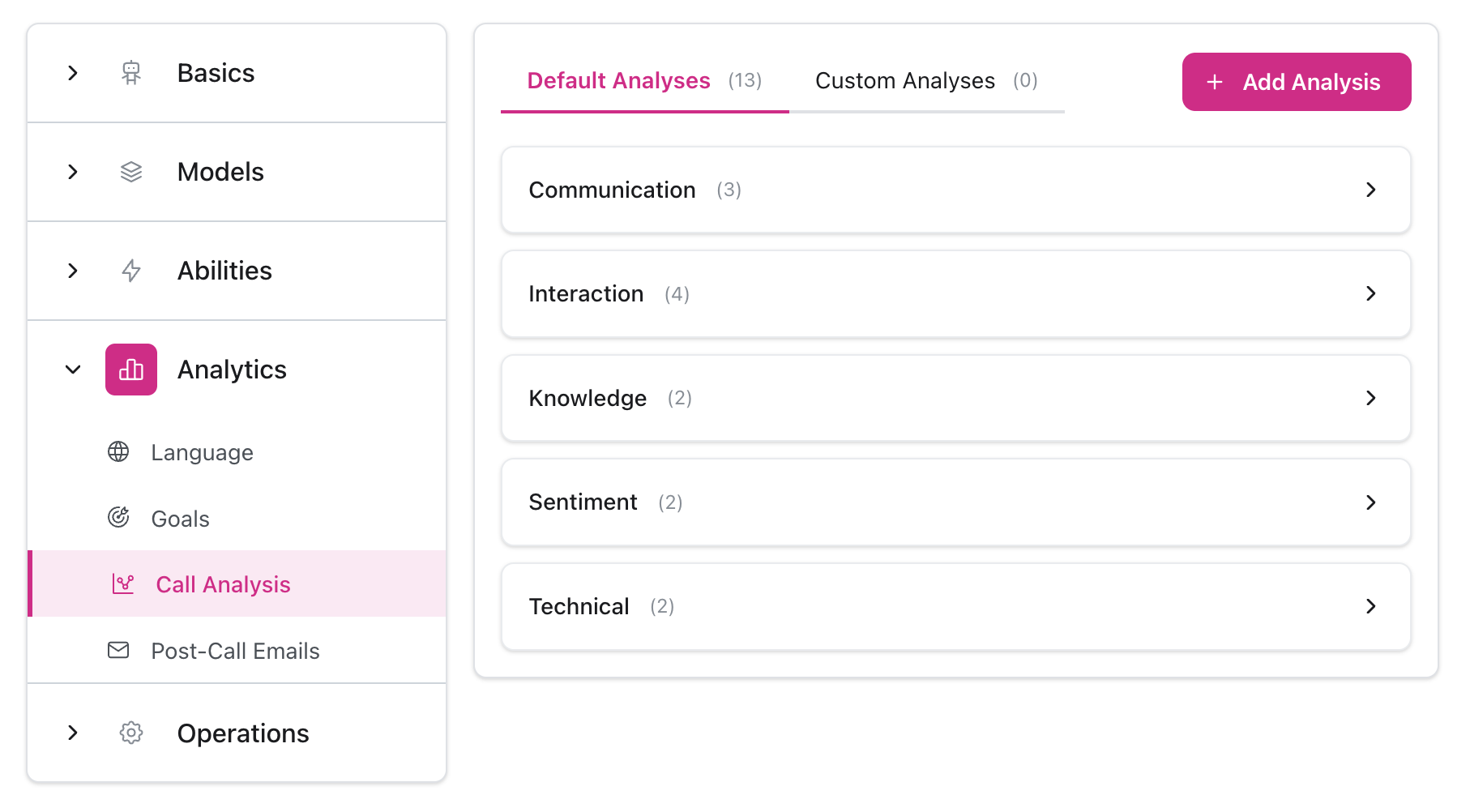
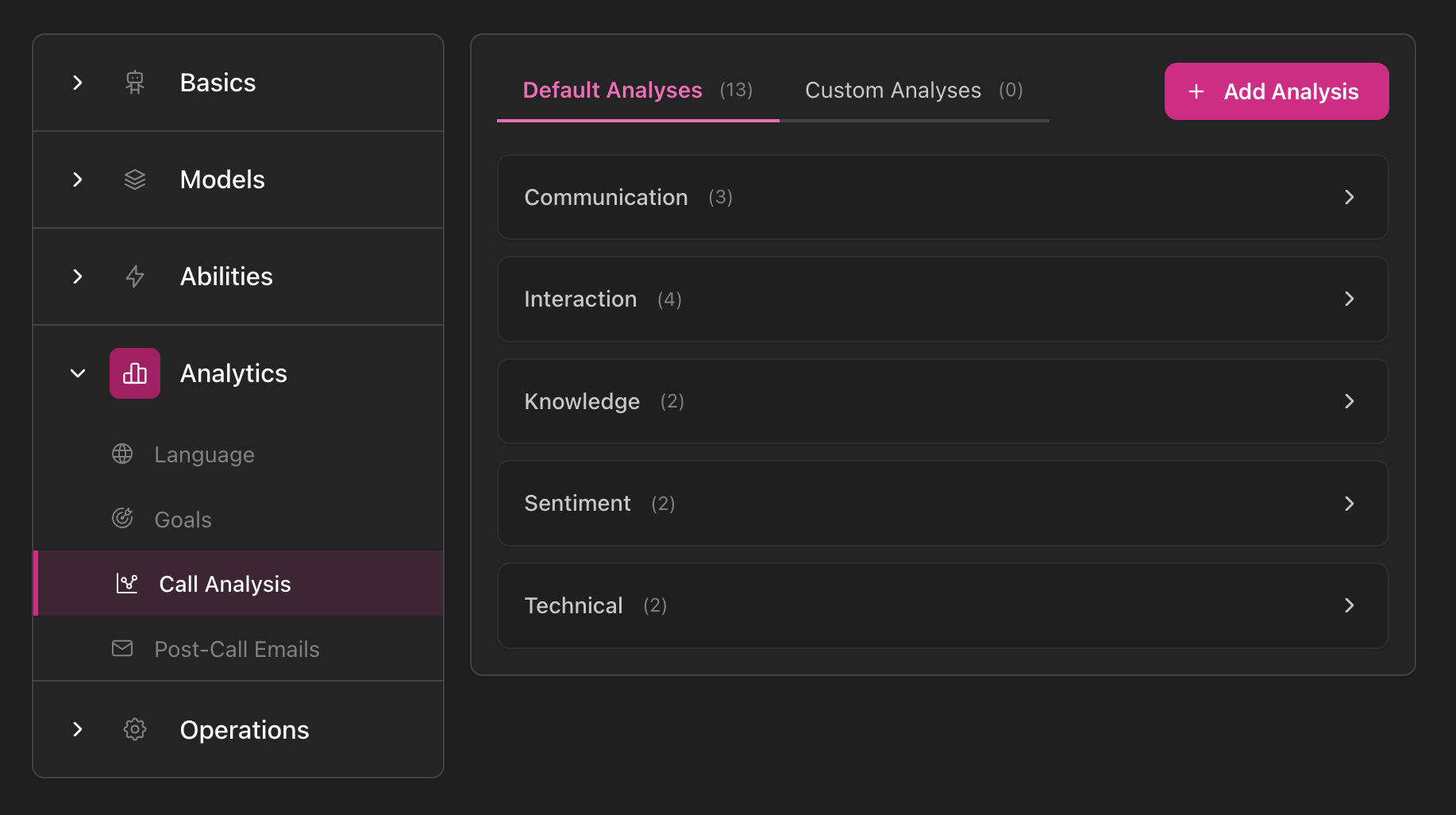
Call Analysis configuration showing navigation sidebar with Analytics section expanded and Call Analysis selected, Default Analyses and Custom Analyses tabs with Add Analysis button, and categories including Communication, Interaction, Knowledge, Sentiment, and Technical with item counts
Mehr in Optimize erfahren →

Verwendung des Konfigurationspanels

1

Modelle konfigurieren

Wähle KI-Modell, Stimme und Transkription
2

Fähigkeiten einrichten

Konfiguriere Anweisungen, Begrüßungen und Wissen
3

Betrieb feinabstimmen

Passe VAD- und Timeout-Einstellungen nach dem Testen an
4

Analytik einrichten

Definiere Ziele zur Messung

Speicherverhalten

Einige Abschnitte (wie Modellauswahl) speichern automatisch. Andere erfordern das Klicken auf die Schaltfläche Speichern. Änderungen gelten nur für zukünftige Anrufe, nicht für laufende Anrufe.

Nächste Schritte