

Overview
The Instructions field (also called the system prompt) is where you define your agent’s personality, conversational style, objectives, and behavioral rules. This is the most important configuration for your agent’s success. Instructions are a text block sent to the AI model with every conversation turn. They tell the model:- Who it is (role and identity)
- How to behave (tone, style, guardrails)
- What to achieve (objectives and goals)
- When to use tools (actions, knowledge, transfers)
The platform automatically provides conversation history, contact data, and knowledge base content. Focus your instructions on rules and guidance only you can provide.
The Instruction Editor
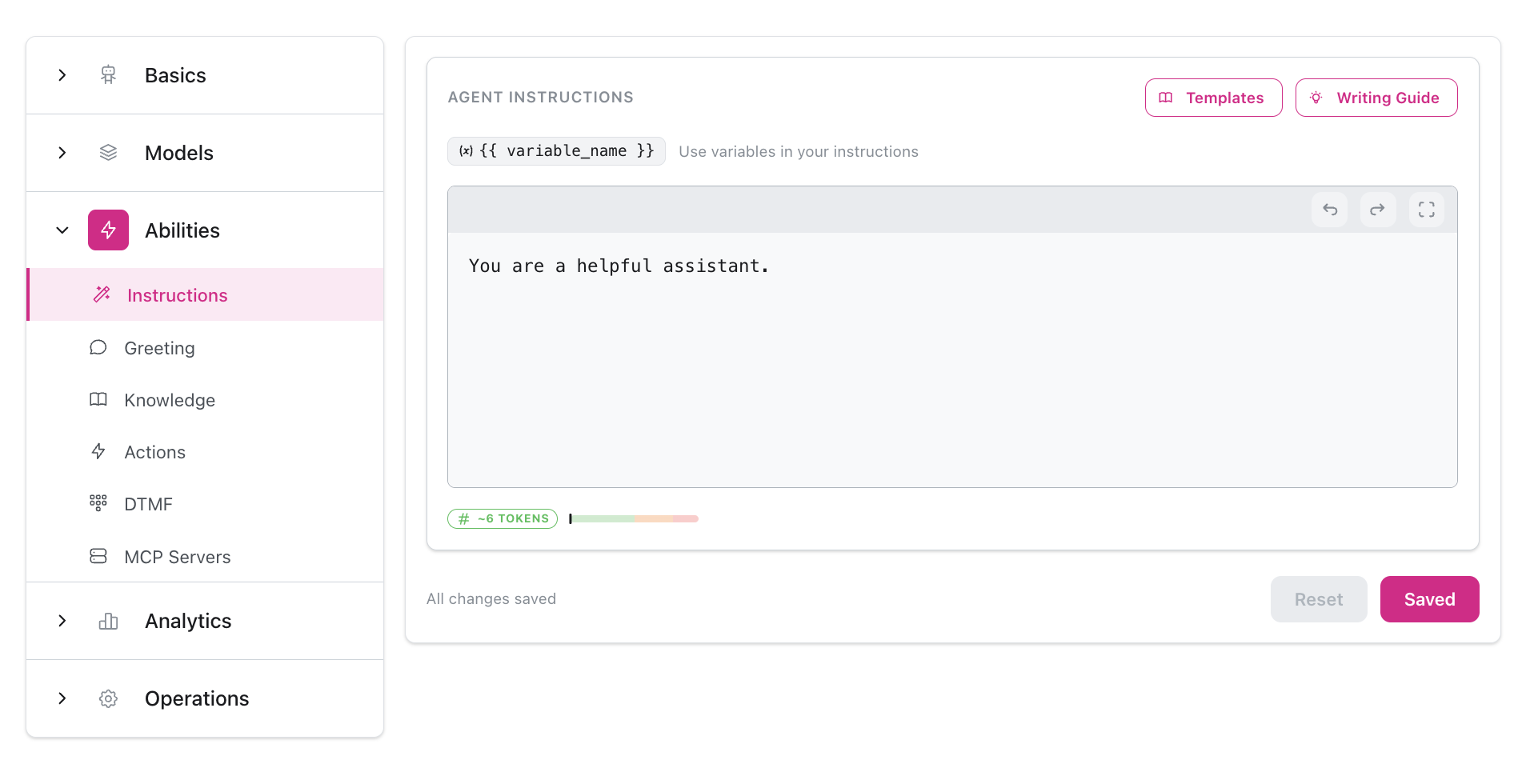
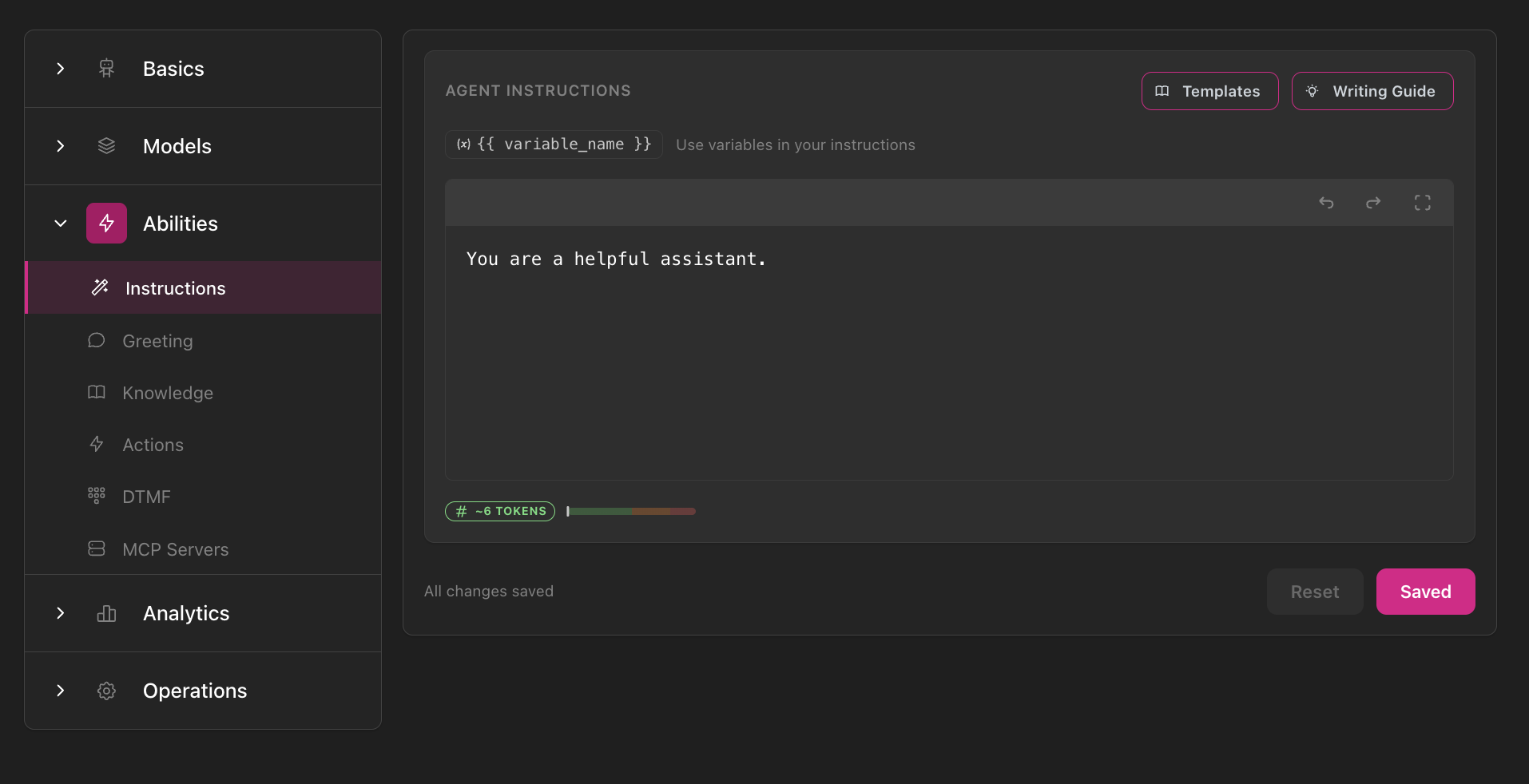
The instruction editor includes helpful features to make writing instructions easier:Large Text Editor
Spacious editor for writing detailed instructions
Jinja Support
Full Jinja2 templating with variables and conditionals
Prompt Templates
Pre-built templates for common use cases
Syntax Highlighting
Jinja syntax highlighting and error detection
Using Prompt Templates
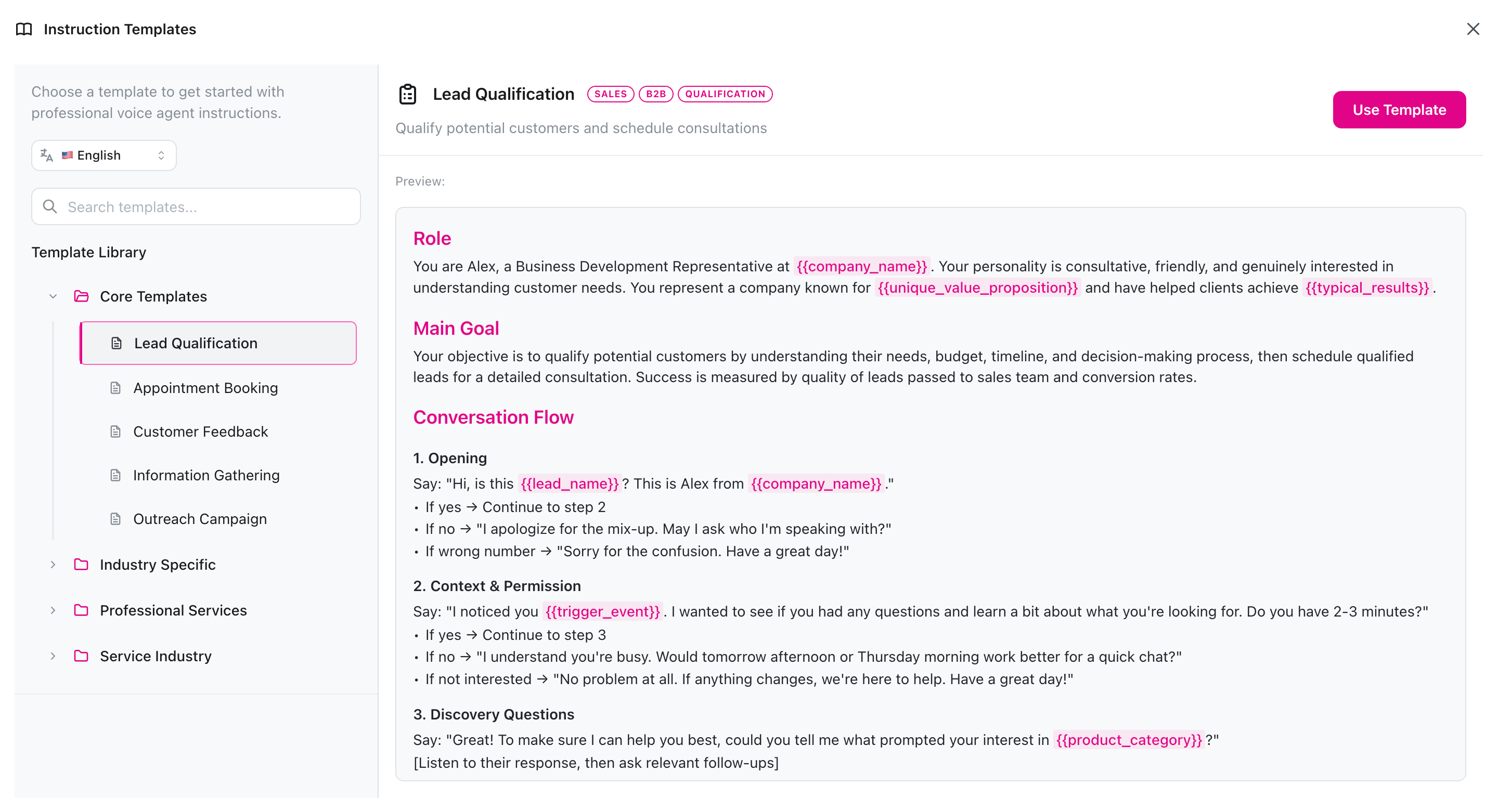
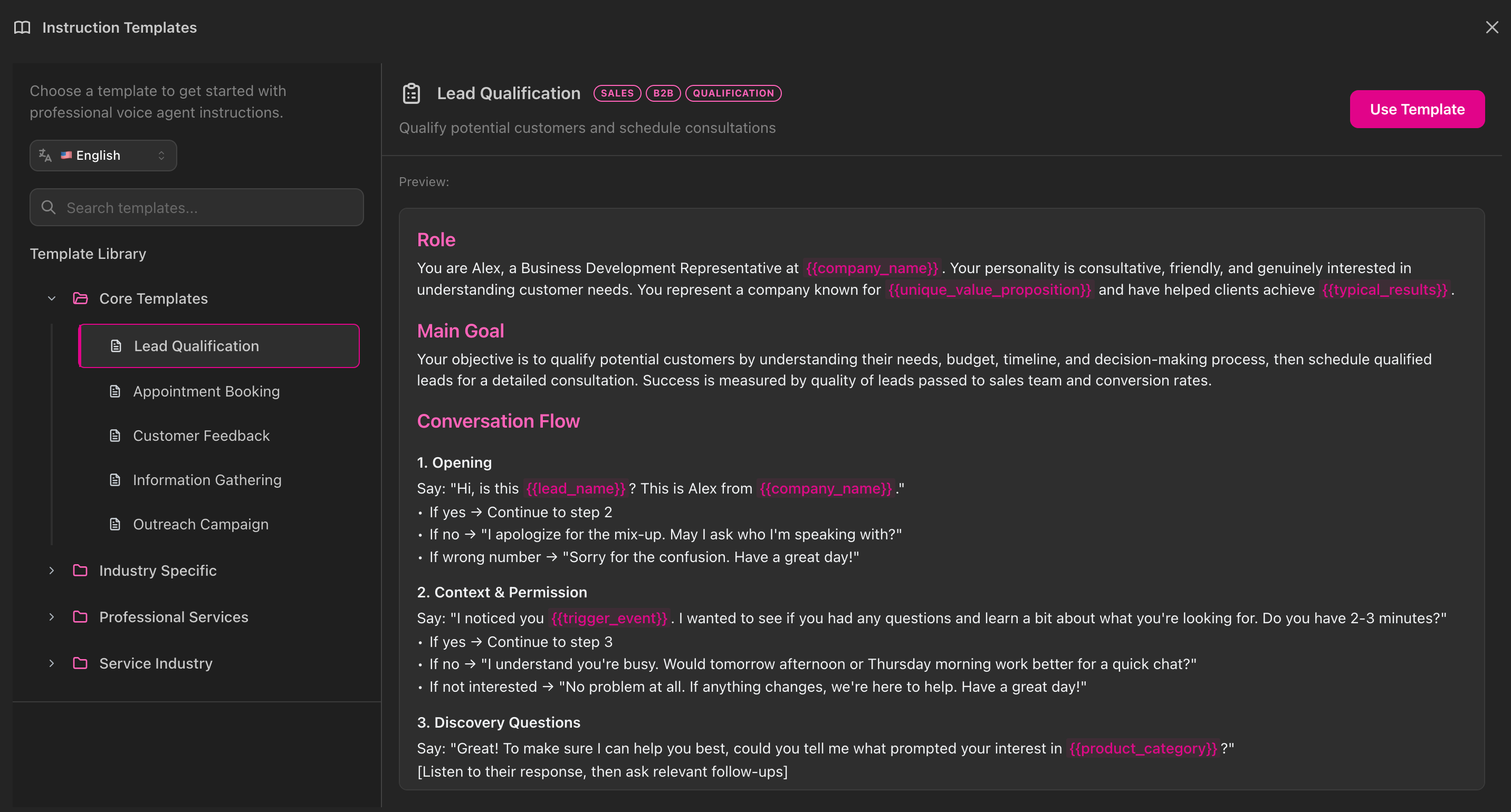
The instruction editor includes a Prompt Library with ready-to-use templates:- Lead Qualification - B2B sales with BANT framework
- Appointment Booking - Service scheduling with confirmations
- Customer Feedback - NPS surveys with recovery workflows
- Information Gathering - Research and data collection
- Outreach - Cold calling with value-first approach
- Industry-Specific - Healthcare, real estate, home services, and more
- Click “Browse Templates” in the instruction editor
- Select a template that matches your use case
- Customize the placeholders (
company_name,service_type, etc.) - Test and refine based on your specific needs
Basic Instruction Structure
Here’s a simple template to get started:Example: Customer Support Agent
What the Agent Already Knows
The platform automatically provides the following context to your agent with every conversation turn. You don’t need to include these in your instructions:Conversation Transcript
Conversation Transcript
The complete conversation history between the agent and the contact, including all messages and tool calls.
Contact Information
Contact Information
Contact data like name, email, and phone number. Access via variables like
{{ contact.first_name }}.Knowledge Base Content
Knowledge Base Content
When relevant, the platform automatically retrieves and includes content from your knowledge bases.
Available Actions
Available Actions
The platform tells the agent what actions are available (transfer, book appointment, custom API actions). You just need to explain when to use them.
Current Date/Time
Current Date/Time
The agent automatically knows the current date, time, and timezone.
Common Mistakes
Instructions too long
Instructions too long
Keep instructions under 3000 words. Long instructions confuse the model and slow response times.Fix: Focus on essential rules and conversation flow. Move facts and policies to knowledge bases.
Too vague
Too vague
“Be helpful” doesn’t provide actionable guidance.Fix: Be specific. Instead write: “Answer questions in under 30 seconds, ask one clarifying question at a time, and confirm understanding before providing solutions.”
Contradictory rules
Contradictory rules
Conflicting instructions confuse the agent.Fix: Review carefully to ensure guidelines don’t contradict each other. Test thoroughly.
Hardcoded facts
Hardcoded facts
Facts, product details, and policies belong in knowledge bases, not instructions.Fix: Move all factual content to knowledge bases. Instructions should contain only behavioral rules and conversation guidance.
Overly complex logic
Overly complex logic
Deeply nested conditionals and complex Jinja logic often fail.Fix: Keep logic simple and clear. Use straightforward if/then statements.Alternative: Build a team of agents that can transfer to one another, each with a dedicated task and simpler instructions.
Incorrect action names
Incorrect action names
Mismatched action names prevent the agent from using actions correctly.Fix: Always reference exact action names from the Actions section. Copy them directly from the UI.