

Overview
Add AI-powered voice and chat conversations to your website with the itellicoAI web widget. Visitors can talk to your AI agent using their voice or type messages in a chat interface - both in a single, customizable widget that embeds on any site.How It Works
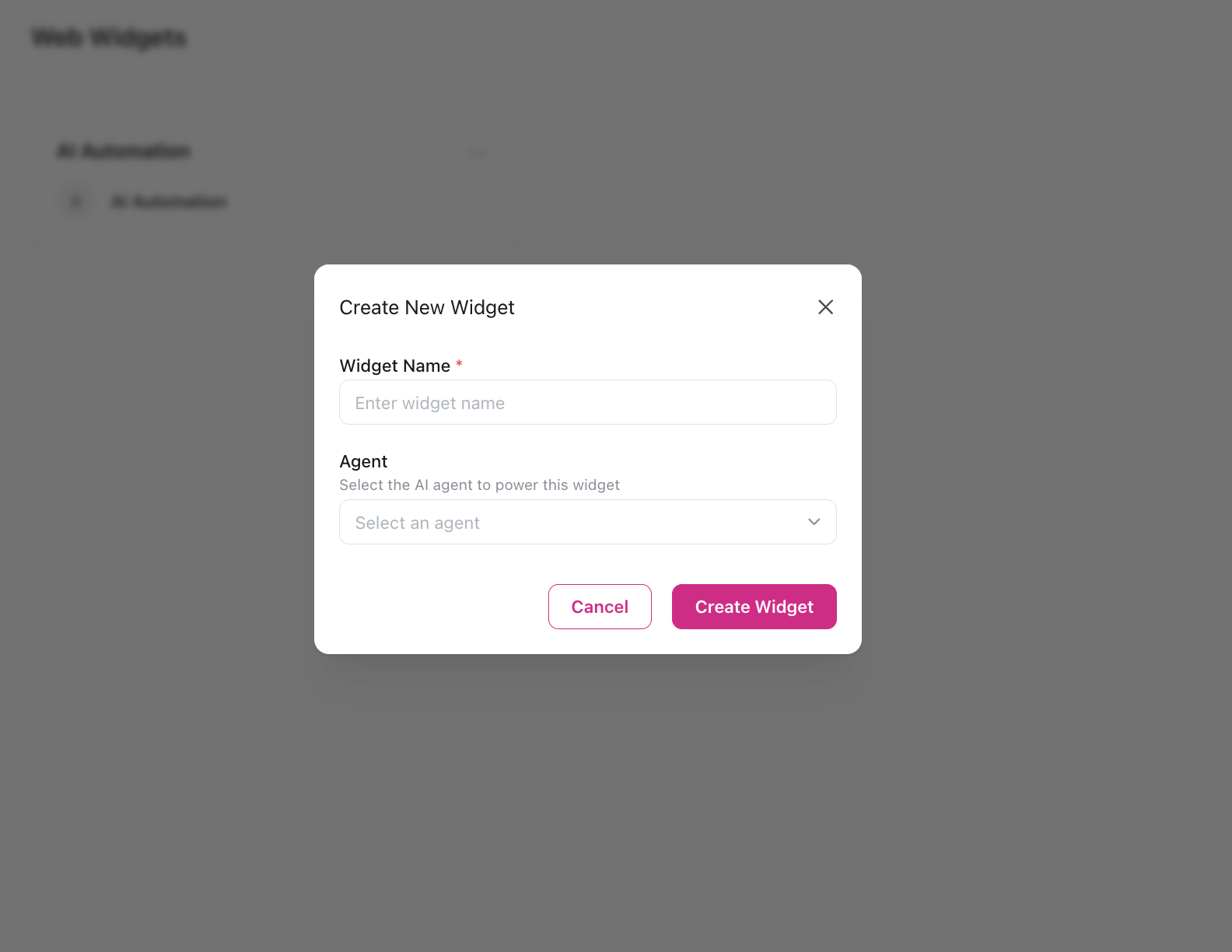
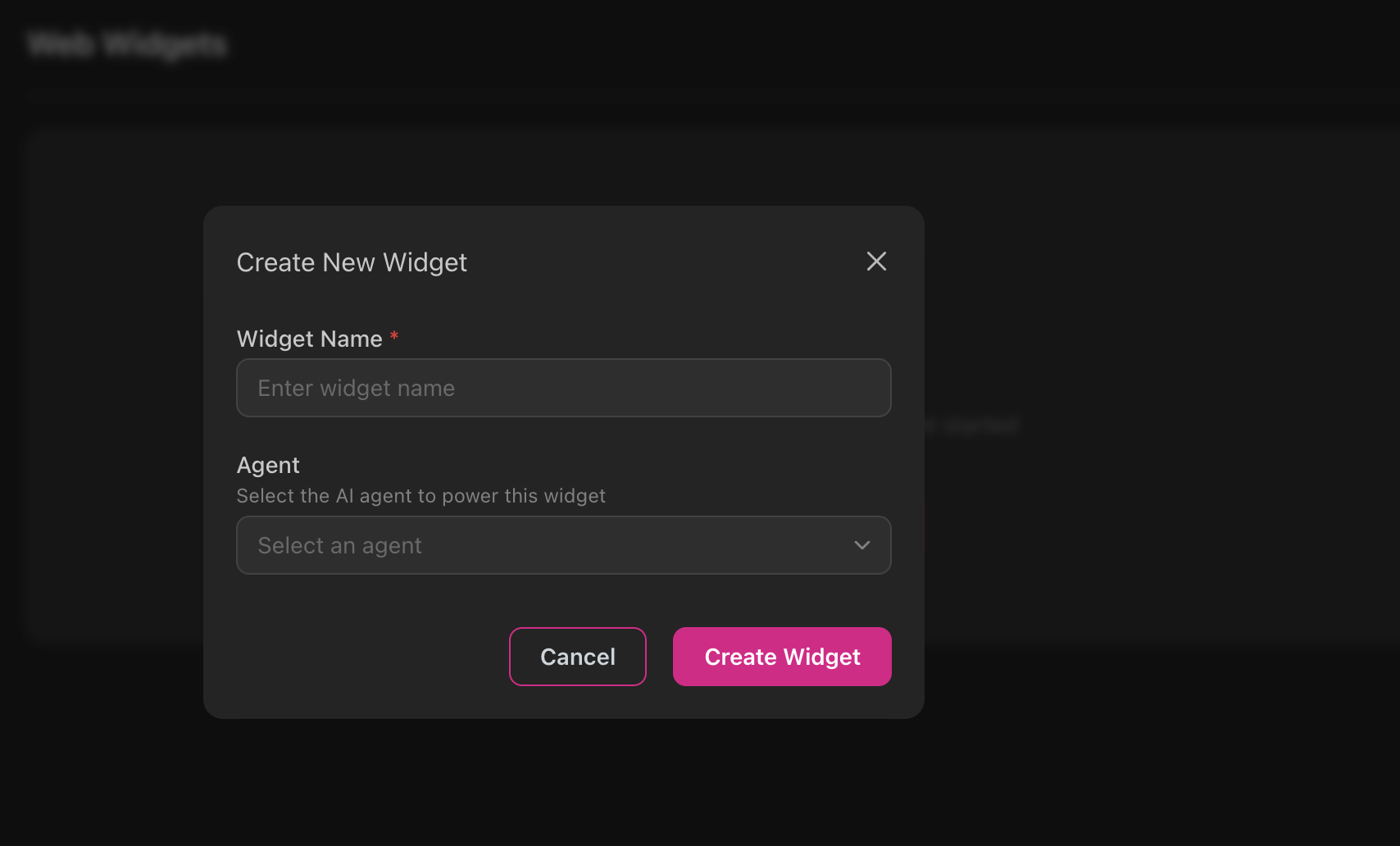
Key Features
Voice & Chat
Support both voice calling and text chat in one widget
No Code Required
Configure everything through the visual dashboard
Fully Customizable
Control colors, text, layout, and behavior to match your brand
Multi-Language
Built-in support for multiple languages
Mobile Responsive
Works seamlessly on desktop and mobile devices
Privacy Controls
Built-in consent management and compliance features
Widget Configuration
Customize your widget through the itellicoAI dashboard: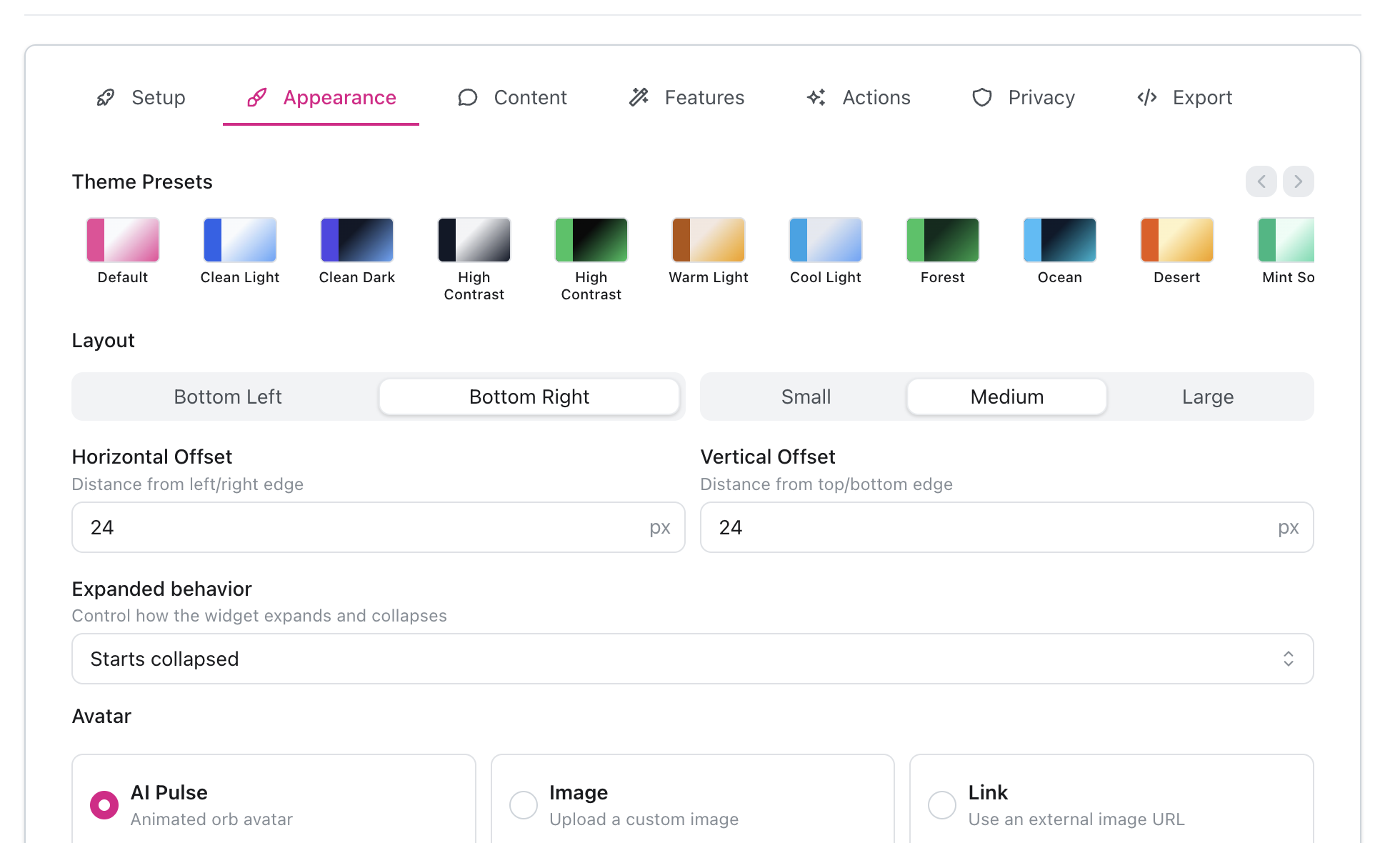
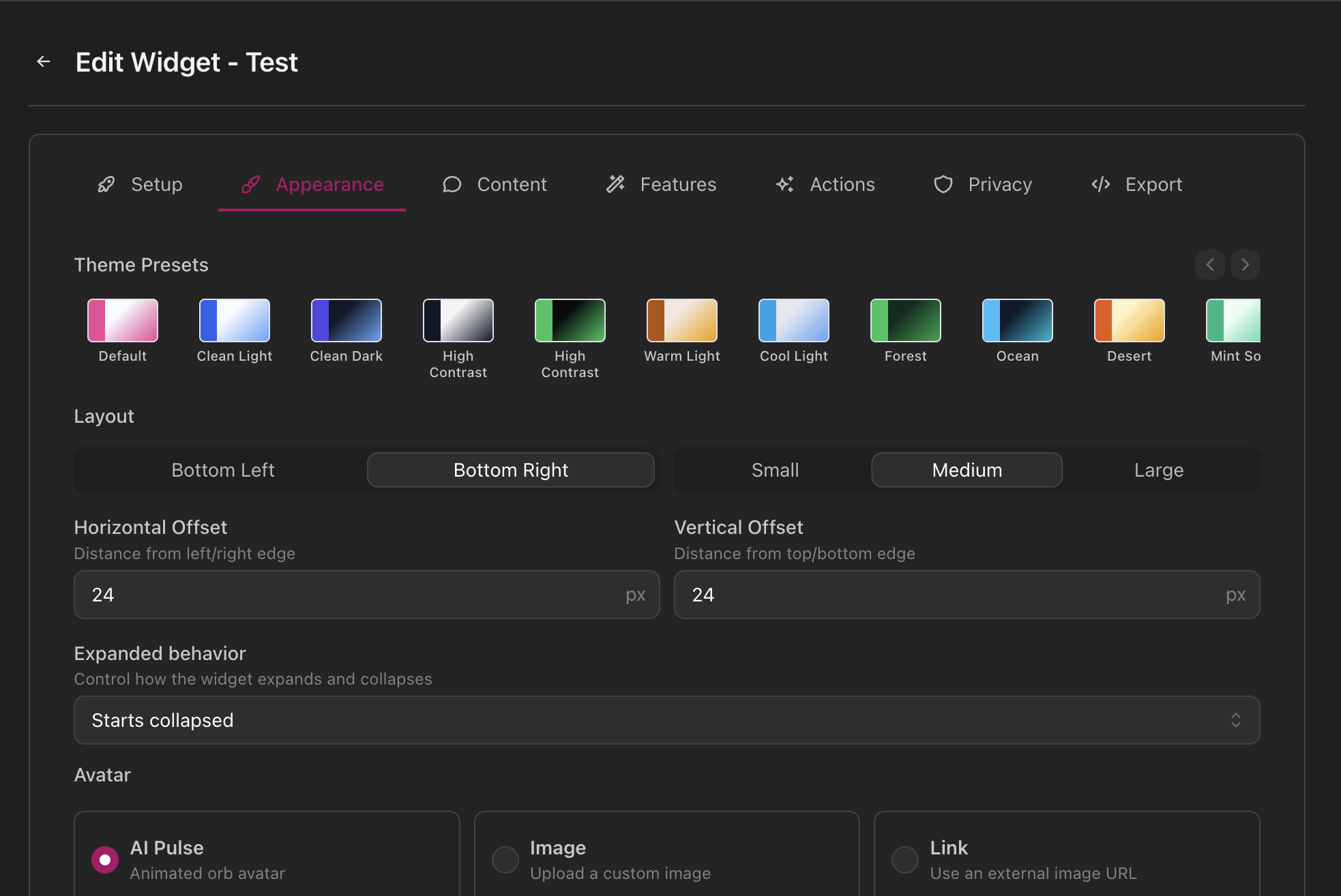
- Appearance – Choose colors, layout, avatar, and animations
- Content – Customize all messages and labels in multiple languages
- Features – Toggle voice/chat modes, transcripts, and feedback collection
- Actions – Add clickable buttons for links or phone numbers
- Privacy – Configure consent banners and legal copy
- Domains – Restrict where the widget can be embedded
Installation
Adding the widget to your site is simple:- Create and configure your widget in the itellicoAI dashboard
- Copy the embed script from the Export tab
- Paste it before the closing
</body>tag on your website - The widget appears automatically on your site
Works with any website platform: WordPress, Shopify, Webflow, Wix, Squarespace, custom HTML, and more.
Use Cases
Customer Support
Answer visitor questions instantly with voice or chat powered by your knowledge base
Lead Qualification
Engage and qualify website visitors, then book meetings automatically
E-commerce Help
Assist shoppers with product questions, order status, and returns
Appointment Booking
Let visitors schedule appointments through conversational booking
Getting Started
Create Your First Widget
Step-by-step guide to creating and embedding your first web widget
Agent Configuration
Learn how to configure your AI agent for optimal widget performance
Need Help?
Our team can assist with:- Widget customization and branding
- Multi-site deployments
- Enterprise widget solutions
- Custom feature development
Email support@itellico.ai for widget integration assistance.